 下载
下载A beauty mirror with image capture, adjustable brightness, and a magnifying mirror view.
Mirror Pro is a pocket mirror app that offers an exceptional and unique experience with HD camera quality, transforming your phone into a wonderful HD mirror with additional features. These features convert your cell phone into a compact mirror, HD mobile mirror, and pocket mirror.
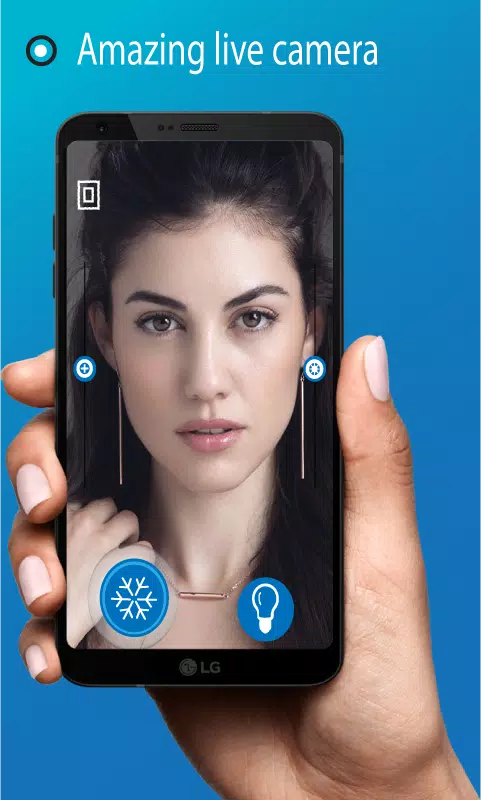
You no longer need to carry a makeup mirror with you. Pro Mirror includes a feature that allows you to check your facial appearance, look, makeup, lipstick, and hairstyle in just a second. You can freeze the image and inspect it with zoom-in and zoom-out features. All these capabilities make this pocket mirror app function as a compact mirror.
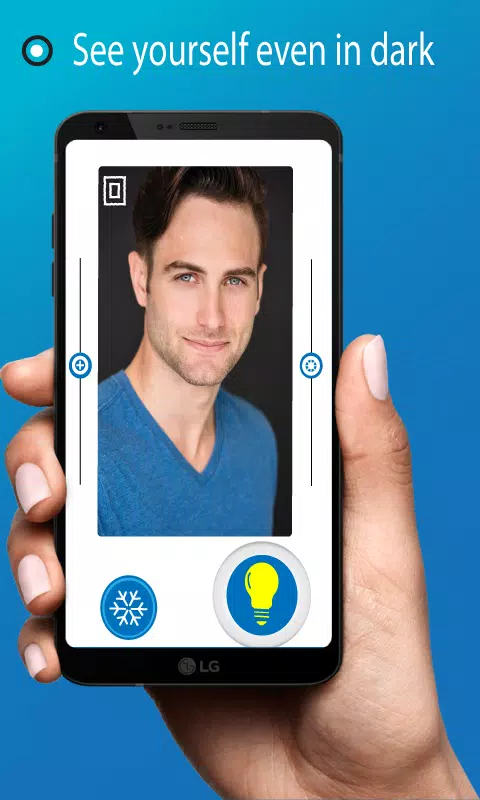
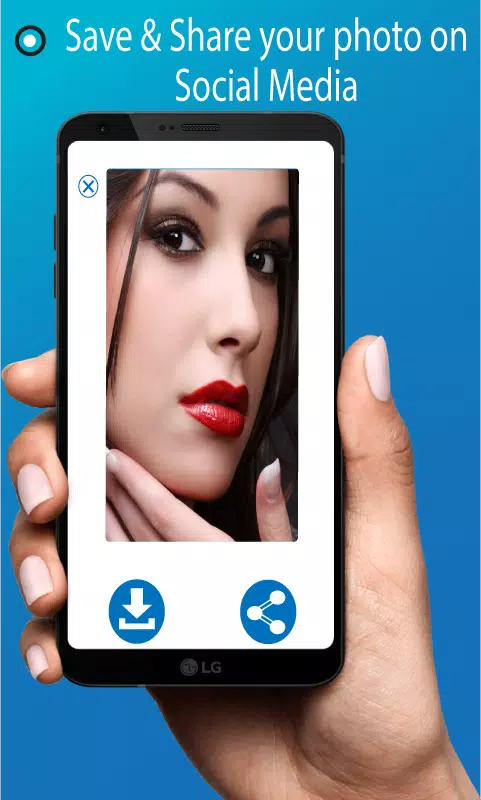
Magic Mirror can save your look for photo editing and easily lets you share it with other apps or on social media platforms. The pocket mirror includes a one-touch lighting control feature, helping you see yourself even in the dark. The real-time zoom-in and zoom-out feature provides a better view than an ordinary mirror. You can even adjust the brightness in the mobile mirror to suit your needs for applying lipstick and styling your hair. Mirror Pro gives you a quick glimpse of yourself.
Features of Pro Mirror
- - Simple and Easy User interface
- - Adjustable Brightness for the Makeup Mirror
- - Freeze Image and Download Option
- - View Rotation (Landscape and Portrait)
- - Take a Selfie After Completing Your Makeup
- - Mirror View and Flip Image View
- - Magnifying View and Magnifying Mirror
- - An Amazing Tool for Daily Makeup and Hairstyling
- - Capture Images to Save in Your Gallery
- - See Yourself Even in the Dark with the Lighted Mirror
- - A Professional Makeup Tool for Everyday Use
- - Your Makeup Companion Mirror
How to Use Beauty Mirror Pro
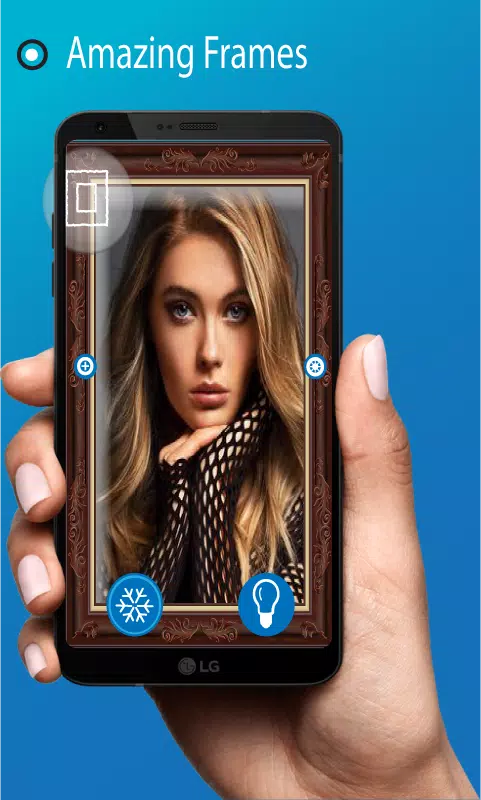
After installing the Pocket Mirror application, users can access the mirror feature with the first tap. You can adjust the mirror's brightness. Use the lighted mirror feature in dark conditions by tapping the bulb button on the screen. The camera button captures an image and saves it to your gallery, while you can also freeze an image to examine it closely by zooming in and out, experiencing the enhanced magnifying mirror view. Frozen images can be shared on social media platforms or downloaded to your gallery. The flip button displays a real mirror view.
Note: The Mirror App uses your device's front camera. It requires camera permissions to access the camera. The performance of the Mirror App depends entirely on the quality of your front camera.






![熊本のHairSalon YELLOW[ヘアサロンイエロー]](https://images.ydxad.com/uploads/78/173155007867355b7e469e0.webp)