
Delta Force Mobile: Dominate Matches with Top Tips and Tricks
Heads Up, Gamers! The developer has postponed the launch—stay tuned on BlueStacks for updates and guides!
Delta Force isn't just another tactical shooter; it's a game that celebrates precision, strategy, and teamwork. Whether you're engaging in massive multiplayer battles or executing stealthy extraction missions, success hinges on your ability to plan and adapt. With a focus on operators, customizable gear, and challenging maps, every choice you make in Delta Force can turn the tide of battle.
This comprehensive guide is brimming with actionable tips to elevate your gameplay and outsmart your rivals. From mastering operators to optimizing gear for specific modes and leveraging BlueStacks for an enhanced experience, these strategies will give you a crucial advantage in every confrontation.
Play on PC with BlueStacks for Maximum Control
Playing Delta Force on PC with BlueStacks provides unparalleled advantages. The platform's fully customizable control schemes allow you to map actions to your keyboard and mouse, offering precision and responsiveness that mobile devices simply can't match. Unlike the Steam version, which limits control customization, BlueStacks empowers you to tailor the game to your unique playstyle.
Moreover, BlueStacks enhances your gameplay with superior graphics and a seamless, lag-free experience. The larger screen facilitates better enemy detection, while features like macro recording simplify complex maneuvers. For those committed to excelling in Delta Force, BlueStacks is the definitive way to play.
Check out our PC setup guide for Delta Force to learn how to get started.
Start Simple and Build Your Skills
As a beginner in Delta Force, it's tempting to jump into the most advanced operators and flashy gear. Instead, start simple and focus on mastering the basics. Opt for operators with straightforward abilities, such as Stinger, known for healing, or Luna, whose recon tools are user-friendly and effective for team coordination. These choices allow you to hone your skills without feeling overwhelmed.
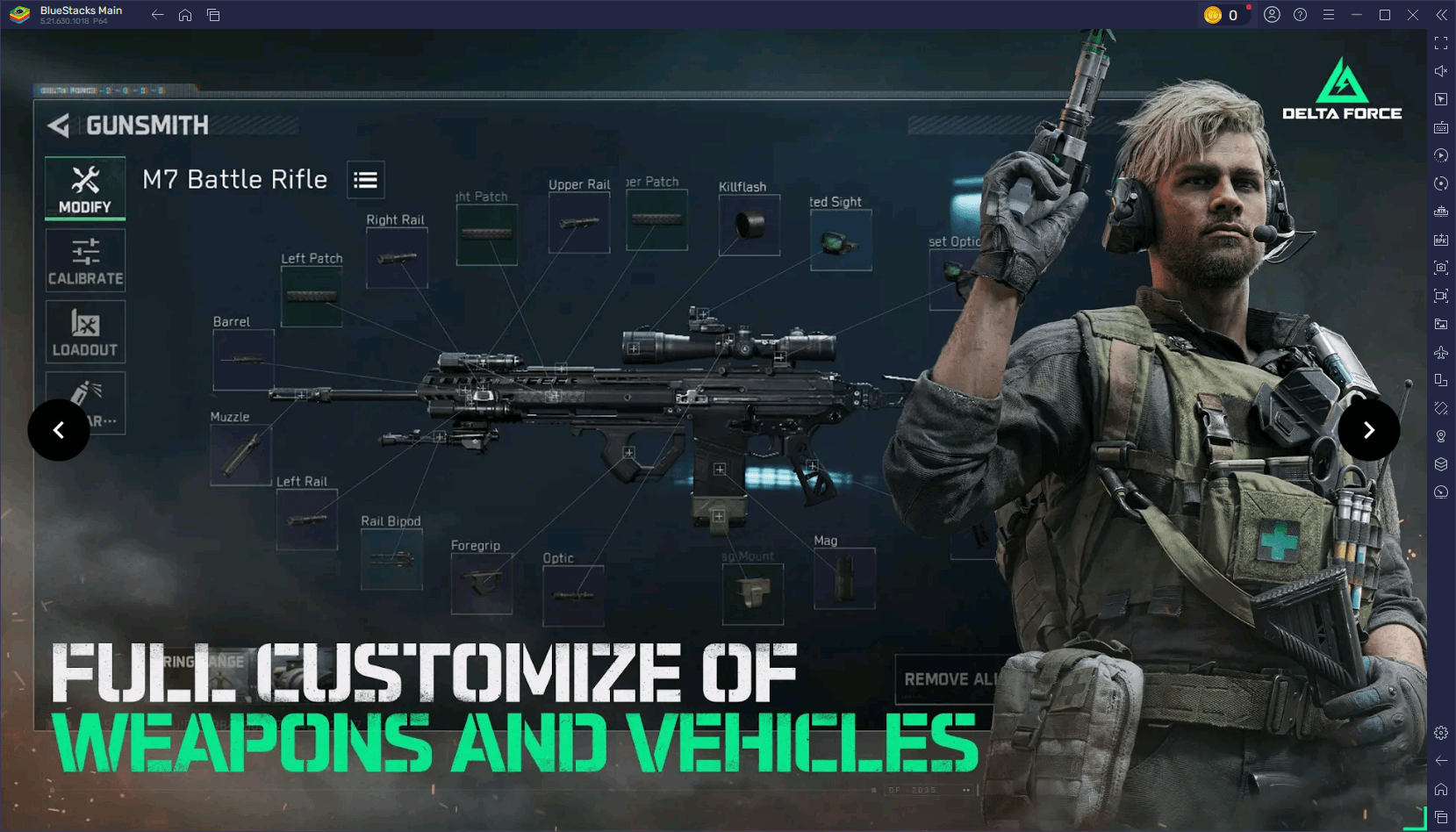
When playing with friends, assign clear roles to each team member. Designate one player for healing, another for scouting, and a third for offense. This level of organization not only boosts your chances of victory but also enhances the overall gaming experience for your team.
Fine-Tune Your Settings for Better Performance
A smooth gaming experience can greatly enhance your performance. On mobile, adjust your graphics settings according to your device's capabilities by lowering shadows and disabling motion blur to increase FPS. On PC with BlueStacks, you can go even further by enabling high-resolution textures and fine-tuning advanced graphics settings for optimal visuals without compromising performance.
For peak responsiveness, customize your controls to suit your preferences. Tweak sensitivity settings for more precise aiming and test your setup in practice matches to ensure everything feels right. This preparation ensures you're fully optimized for every game.
Experiment and Stay Flexible
Delta Force rewards adaptability. If a strategy isn't working, be ready to switch things up. Try a different operator, experiment with new loadouts, or explore alternative routes on the map. Observing what works for your opponents can also refine your own tactics.
Experimentation keeps the game exciting and helps you uncover new ways to play. Whether you're mastering a vehicle, experimenting with a sniper build, or developing a fresh team strategy, the more you experiment, the more versatile and effective you'll become.
Delta Force challenges players to think tactically and adapt quickly, making every match a thrilling test of skill and strategy. Armed with these tips, you're now better prepared to tackle any mode, map, or opponent. For the ultimate experience, play Delta Force on PC with BlueStacks to unlock enhanced controls and performance. Gear up, strategize with your team, and dominate the battlefield. Play smarter and win bigger with BlueStacks!
-
Sony kicked off State of Play June 2025 with the surprise announcement of Lumines Arise, from Tetris Effect developer Tetsuya Mizuguchi. It’s due out fall 2025 for PlayStation 5 and PS VR2, with a demo arriving this summer. The debut trailer is belowAuthor : Stella Mar 08,2026
-
Palworld developer Pocketpair recently confirmed that key gameplay alterations in recent updates were directly influenced by Nintendo and The Pokémon Company's ongoing patent lawsuit. Launched in early 2024 at $30 on Steam and included in Game PassAuthor : Lily Mar 08,2026




















- HoYo Fest 2025: Fresh Updates on Comeback
- Mastering Two-Handed Weapons in Elden Ring: A Guide
- Roblox Simulator Codes: Unlock Exclusive Rewards!
- Ultimate Guide to Shinigami Progression in Hollow Era
- Wuthering Waves: Uncover the Secrets of Whisperwind Haven's Palette
- Top 25 Palworld Mods to Enhance Your Game