
Disable Kill Effects and Killcams in Call of Duty: Black Ops 6
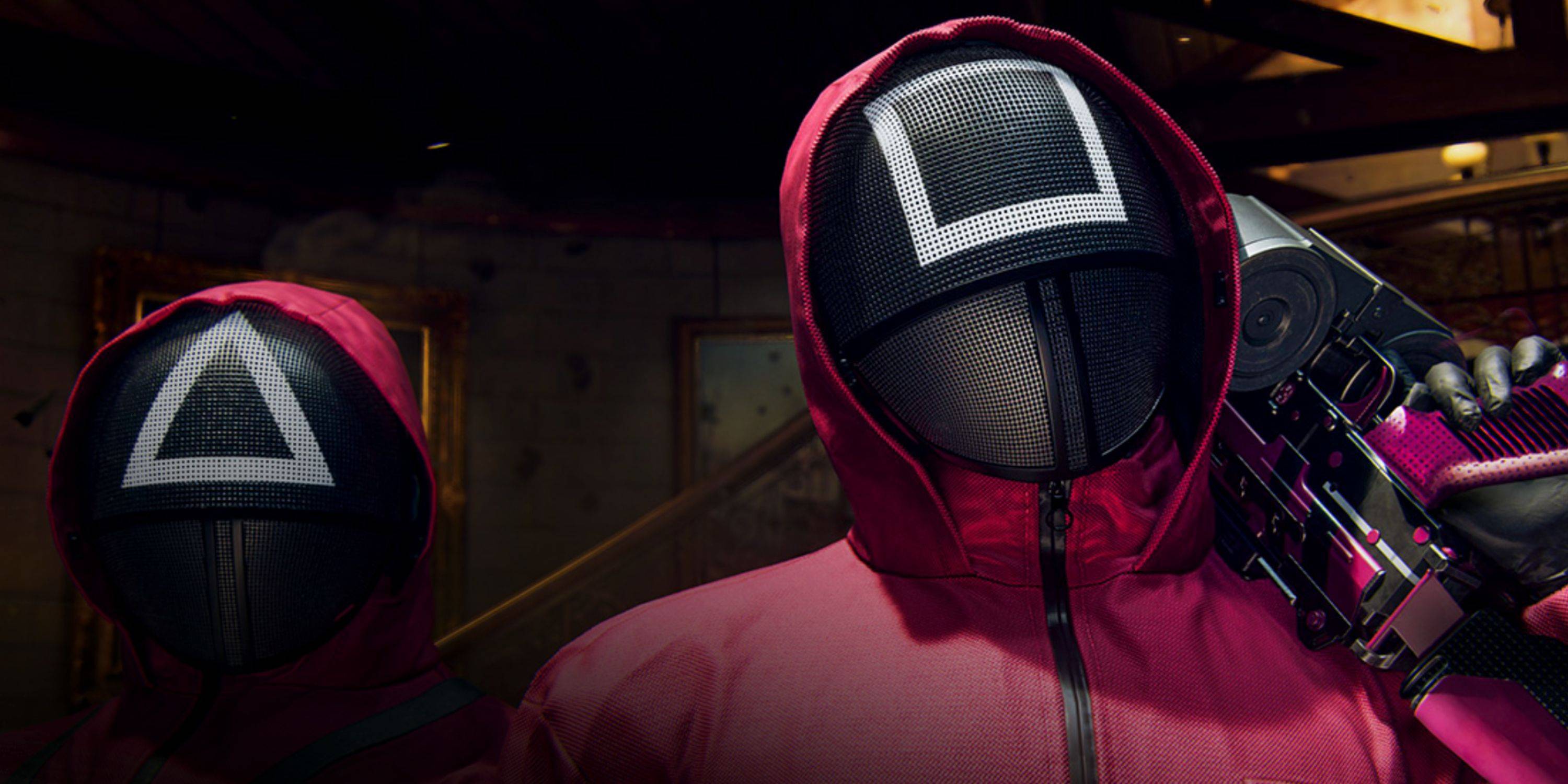
Customize Your Call of Duty: Black Ops 6 Experience: Disabling Killcams and Effects
Call of Duty: Black Ops 6, a top-tier title in the franchise, offers intense multiplayer action. Its highly customizable settings allow players to tailor their gameplay for optimal performance. This guide focuses on two frequently requested adjustments: disabling killcams and flashy kill effects.
Turning Off Killcams
Killcams, a long-standing Call of Duty feature, show the killer's perspective after your death. While helpful for learning enemy positions, they can be disruptive. You can skip them individually, but completely disabling them is an option.
Here's how to disable killcams in Call of Duty: Black Ops 6 multiplayer:
- Access the Settings menu using the Start/Options/Menu button.
- Navigate to the Interface settings.
- Locate the "Skip Killcam" toggle and set it to Off.
Now, killcams are disabled. If you later want to view a specific killcam, hold the Square/X button after death.
Turning Off Kill Effects
Many weapon skins, often obtained through the battle pass, feature unique and sometimes extravagant kill animations. These can range from laser beams to more fantastical effects. If these effects are distracting, you can disable them.
Follow these steps to disable these kill animations:
- Open the Settings menu via the Start/Options/Menu button in the multiplayer menu.
- Scroll down and select Account & Network settings.
- Under Content Filter, toggle Dismemberment & Gore Effects to Off.
This will remove the more visually striking kill animations associated with certain weapon skins, providing a more traditional gameplay experience.
Quick Links
-
Lego Batman: Legacy of the Dark Knight Lego Batman: Legacy of the Dark Knight has been unveiled during Gamescom’s Opening Night Live, showcasing an expansive open-world Gotham City you can explore in the iconic Batmobile. The highly anticipated projeAuthor : Ava Mar 25,2026
-
 East Side Games Group is merging two wildly different universes in an exhilarating crossover. Trailer Park Boys: Greasy Money is joining forces with All Elite Wrestling: Rise to The Top. This special event begins on March 27th at 2:00 PM PT, deliveriAuthor : Sarah Mar 17,2026




















- Classic WoW vs. Turtle WoW: 6 Key Differences
- Ultimate Guide to Shinigami Progression in Hollow Era
- Mastering Two-Handed Weapons in Elden Ring: A Guide
- Roblox Simulator Codes: Unlock Exclusive Rewards!
- Wuthering Waves: Uncover the Secrets of Whisperwind Haven's Palette
- Top 25 Palworld Mods to Enhance Your Game