
Fortnite Mobile: Ultimate Skin Guide
Ready to dive into the world of Fortnite on your Mac? Our comprehensive guide will show you how to play Fortnite Mobile on Mac using BlueStacks Air, ensuring a smooth and enjoyable gaming experience right at your fingertips.
Fortnite is renowned for its expansive collection of skins, offering players a chance to personalize their characters with a wide array of unique outfits. From original creations to exciting collaborations with Marvel, DC, Star Wars, Anime, and Gaming Legends, Fortnite has something for everyone. While skins don't affect gameplay, they are a significant part of the game's identity, allowing players to showcase their style and make a statement on the battlefield.
This guide is your ultimate resource for everything related to Fortnite skins. We'll cover the different types of skins, their rarities, and the various methods to obtain them. Whether you're interested in purchasing skins from the Item Shop, unlocking exclusive rewards through the Battle Pass, or earning free skins from events, this guide has you covered.
Types of Skins in Fortnite
A. Default Skins (OG & Updated)
Default skins are the free outfits provided to all new players starting their Fortnite journey. Epic Games refreshes these designs with each new Chapter, offering updated character models and variations. While they may lack the flair of other skins, they carry a nostalgic charm cherished by many veteran players.
B. Battle Pass Skins
Battle Pass skins are unique to each season and can only be obtained during that season. These skins often come with progressive unlocks, allowing players to earn new styles as they progress through levels. Additionally, many Battle Pass skins offer bonus rewards such as additional styles, back bling, or built-in emotes.
To unlock Battle Pass skins, players must buy the Battle Pass for 950 V-Bucks and then earn XP to progress through the tiers. Iconic Battle Pass skins include Drift (Season 5), Midas (Chapter 2, Season 2), and Spider-Gwen (Chapter 3, Season 4).
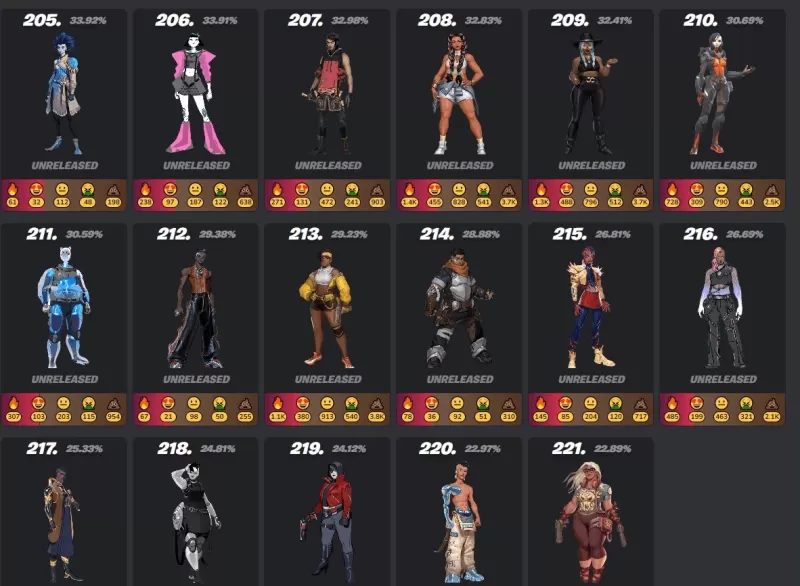
2. Unlocking Through the Battle Pass
Each season in Fortnite introduces a new Battle Pass, giving players the opportunity to unlock exclusive skins by completing challenges and leveling up. These skins are unique to their season and unavailable once it ends.
3. Fortnite Crew Subscription
The Fortnite Crew is a monthly subscription service priced at $11.99, offering:
- An exclusive Crew Pack skin
- 1,000 V-Bucks
- Access to the current Battle Pass
Fortnite Crew skins are exclusive and never appear in the Item Shop, adding to their rarity and appeal.
4. Earning Skins Through Events & Tournaments
Fortnite frequently hosts limited-time events and tournaments where players can earn free skins by completing challenges or achieving high rankings. Notable examples include:
- FNCS Cups (exclusive tournament skins)
- Winterfest & Halloween Events (free event skins)
- Refer-a-Friend & PlayStation Plus Rewards (special promotion skins)
5. Redeeming Promotional Skins
Some skins are available through special promotions, such as purchasing specific gaming hardware or subscribing to services like PlayStation Plus. Examples include:
- Galaxy Skin (Samsung phone promotion)
- Neo Versa (PlayStation Plus exclusive)
- Wildcat (Nintendo Switch Fortnite bundle)
Fortnite's skins play a crucial role in the game's identity, allowing players to customize their characters with a vast array of styles. Whether you're buying skins from the Item Shop, unlocking them via the Battle Pass, or earning them through exclusive events, there are numerous ways to build your collection. Enjoy the ultimate Fortnite experience on your Mac with BlueStacks!
-
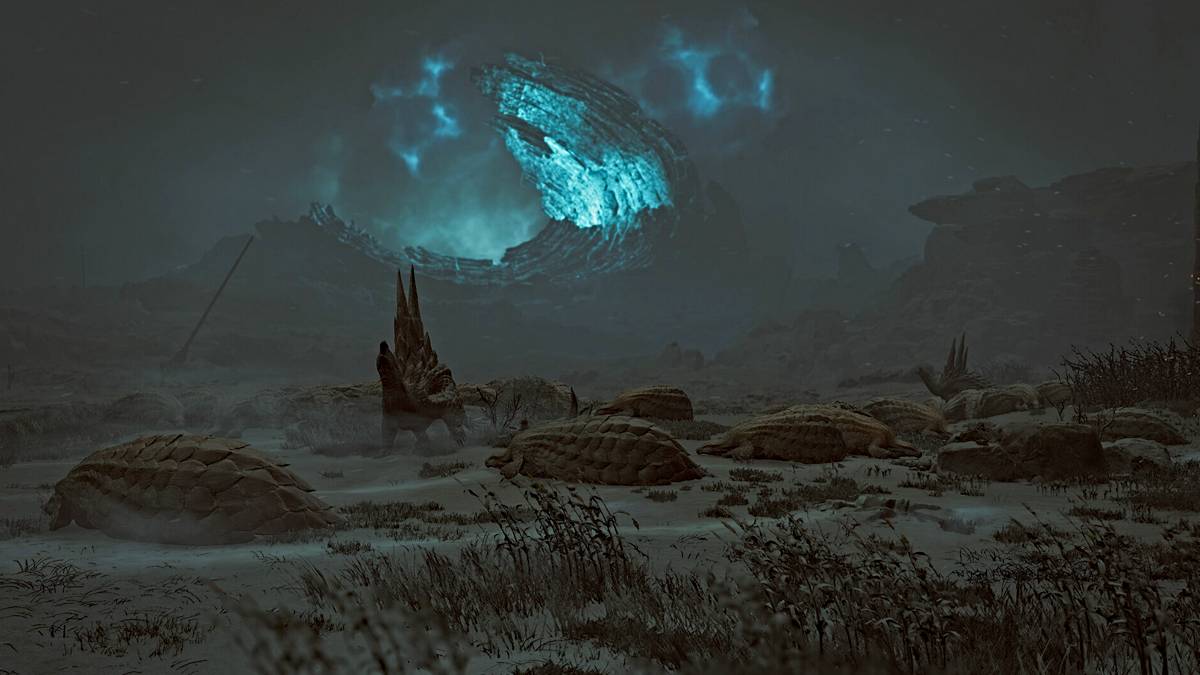 Although Monster Hunter Wilds primarily focuses on hunting formidable creatures, one achievement requires discovering the tiniest ones. This guide explains how to unlock the Caught a Shooting Star trophy/achievement by locating a rare sand-dwelling cAuthor : Aaron Apr 27,2026
 -
 Wreckfest introduces a new 'try before you buy' demo versionExperience the complete game with a 30-minute time limitEnjoy demolition derby chaos right on your mobile deviceThe saying "like watching a car crash in slow motion" captures not just horrorAuthor : Violet Apr 22,2026



















- Classic WoW vs. Turtle WoW: 6 Key Differences
- Ultimate Guide to Shinigami Progression in Hollow Era
- Roblox Simulator Codes: Unlock Exclusive Rewards!
- Mastering Two-Handed Weapons in Elden Ring: A Guide
- Wuthering Waves: Uncover the Secrets of Whisperwind Haven's Palette
- Top 25 Palworld Mods to Enhance Your Game