
Fix Igniting the Timestream Error in Marvel Rivals: Quick Guide
Few games bring people together like *Marvel Rivals*. Eager players rush to their systems daily for a chance to dive into the action, making errors all the more frustrating. Here's a detailed guide on how to fix the "Igniting the Timestream" error in *Marvel Rivals*.
What Is the Igniting the Timestream Error in Marvel Rivals?
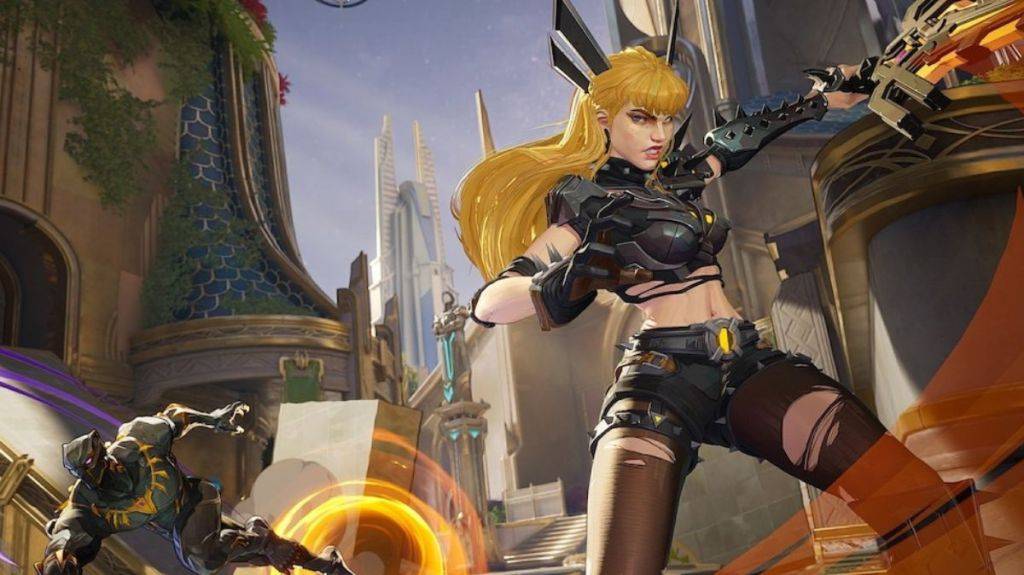
Unlike some errors that prevent you from launching the game, the "Igniting the Timestream" error occurs during the matchmaking process. You'll hit the button to start a match, but instead of joining, a pop-up screen appears, informing you that the game is "Igniting the Timestream." This can leave you stuck for several minutes. Fortunately, there are a few steps you can take to resolve it.
How To Fix the Igniting the Timestream Error in Marvel Rivals
Check Server Status
*Marvel Rivals* boasts a robust social media presence. The game's official X account regularly updates players, and if there are server issues, you'll hear about it. If social media is silent, head over to Downdetector to see if other players are experiencing similar problems.
Restart the Game
If you're repeatedly encountering the "Igniting the Timestream" error, try closing and reopening *Marvel Rivals*. While this isn't a foolproof fix, it can sometimes bypass the error, allowing you to connect with your squad and jump into a match.
Check Internet Connection
*Marvel Rivals* requires a stable internet connection since there's no offline mode. If the game can't find a match, consider rebooting your modem. It might take a few minutes, but it's a more proactive approach than waiting for the issue to resolve itself.
Take a Break
Sometimes, battling persistent errors can feel like a losing battle. Taking a break while the developers work on a fix can be a wise move, especially if you have other games in your library to enjoy. Check back periodically for updates and await a permanent solution.
That's how you can address the "Igniting the Timestream" error in *Marvel Rivals*. By following these steps, you can hopefully get back to enjoying the game with fellow fans.
*Marvel Rivals is available now on PS5, PC, and Xbox Series X|S.*
-
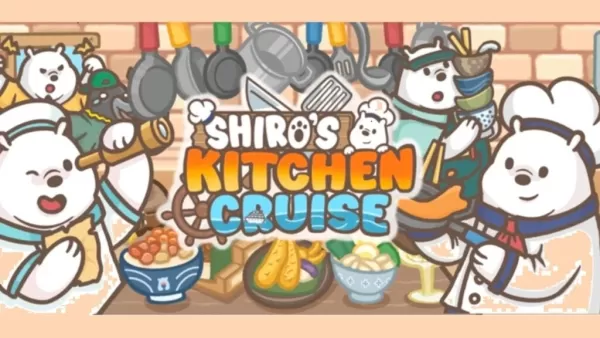 Shiro’s Kitchen Cruise is a brand-new cooking simulation from Omoté Studios—yes, the same Omoté (Asia Pacific) Group celebrated for its modern Japanese dining establishments across Singapore. Known for premium food and beverage services, the group brAuthor : Layla May 02,2026
 -
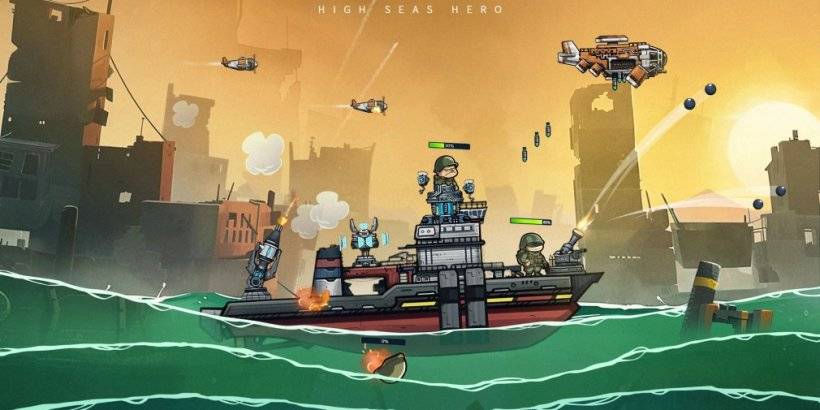 The world is submerged, with only the ocean remaining.Face relentless enemies and continuously upgrade your arsenal.Recruit a crew of survivors and engage in cooperative or solo combat.Following its announcement a few months ago, Century Games has laAuthor : Jacob Apr 30,2026




















- Classic WoW vs. Turtle WoW: 6 Key Differences
- Ultimate Guide to Shinigami Progression in Hollow Era
- Roblox Simulator Codes: Unlock Exclusive Rewards!
- Mastering Two-Handed Weapons in Elden Ring: A Guide
- Wuthering Waves: Uncover the Secrets of Whisperwind Haven's Palette
- Top 25 Palworld Mods to Enhance Your Game