
"Save Your Game in R.E.P.O.: A Guide"
Dive into the thrilling world of *R.E.P.O.*, a cooperative horror game that challenges up to six players to navigate through various maps, retrieve valuables, and safely extract them. To ensure your efforts are not in vain, understanding how to save your game is crucial. Here's a detailed guide on how to save your progress in *R.E.P.O.*
How To Save Your Game in R.E.P.O.
One of the most frustrating experiences for gamers is loading up a game only to find that their latest progress hasn't been saved. This issue is particularly common with new releases. Not all games feature autosave, and some require specific actions or reaching certain points before you can safely save and exit. Missing the tutorial on saving can lead to confusion, especially if the game doesn't make it clear.
In *R.E.P.O.*, it's essential to remember that the game autosaves only when you complete a level. There's no option for manual saving, so if you quit during a retrieval mission or die (which sends you to the Disposal Arena), your progress will be lost, and you'll need to start that level over. Death in *R.E.P.O.* results in the deletion of your save file, and exiting mid-level means you'll have to begin that level from scratch.
To save your game, you must successfully complete a level by delivering your valuables to the Extraction Point. Then, enter or return to the truck and hold the message button above your head to signal the AI boss, the Taxman, that it's time to head to the Service Station. At the Service Station, you can shop for necessary items and then use the same button to proceed to the next level.
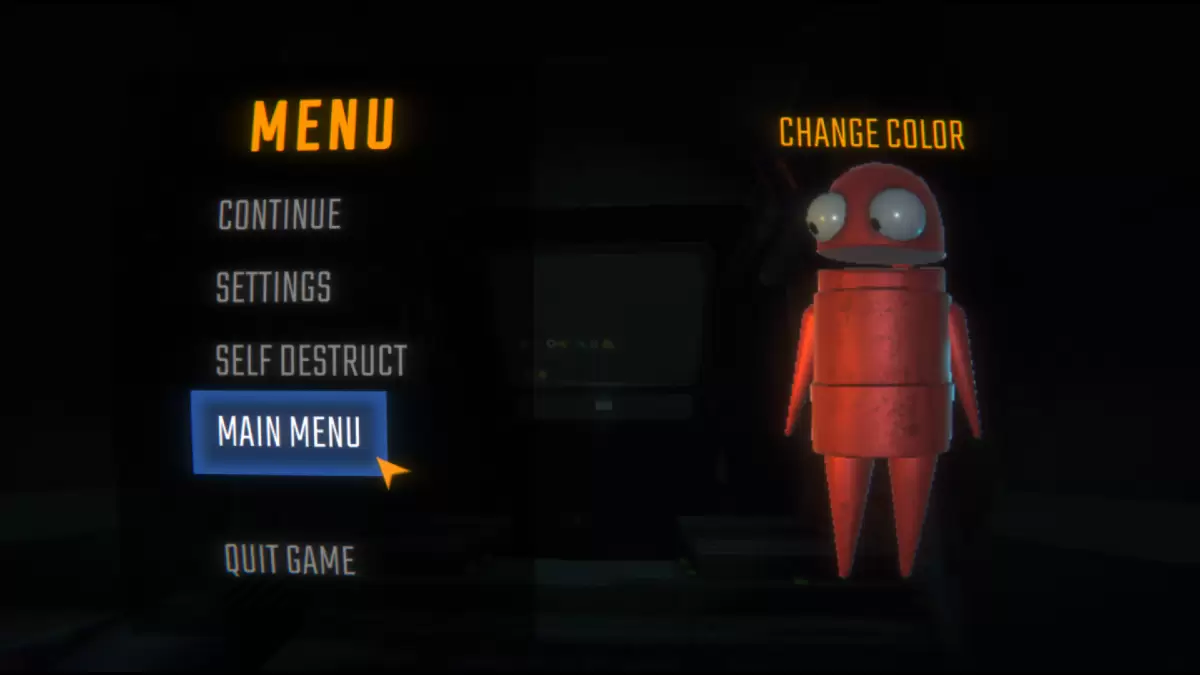
Now that you're equipped with the knowledge to save your game effectively, explore our other *R.E.P.O.* guides to enhance your gameplay and ensure successful missions with your team.
*R.E.P.O. is available now on PC.*
-
 The Death of Wolverine Omnibus by Charles Soule and Marvel's creative team is currently discounted to $74 (41% off original price) at Amazon for a limited time. This massive 1,232-page compilation features the complete Death of Wolverine storyline wiAuthor : Charlotte Jan 02,2026
 -
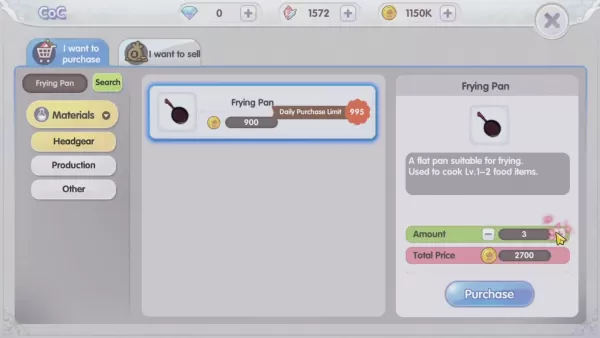 Mastering the Culinary Arts in Ragnarok XThe cooking system in Ragnarok X: Next Generation transcends being merely a supplementary skill—it serves as a strategic enhancement system that complements combat, resource gathering, and character progressioAuthor : Lucas Jan 02,2026
-
 Water Splash - Cool Match 3Download
 -
 Live Quiz Games App, Trivia &Download
 -
 Word MasterDownload
 -
 TermoDownload
 -
 Bài sâm lốc offline - sam loc offline - xâm lốcDownload
 -
 When I was reincarnatedDownload
 -
 This Halloween? We’e Exploing the Haunted Bothel!Download
 -
 BTS ARMY GAMES MV PIANO SONGDownload
 -
 Game danh bai doi thuong King WinDownload
 -
 Crossword IslandsDownload











- Roblox Simulator Codes: Unlock Exclusive Rewards!
- Wuthering Waves: Uncover the Secrets of Whisperwind Haven's Palette
- Mastering Two-Handed Weapons in Elden Ring: A Guide
- Top 25 Palworld Mods to Enhance Your Game
- Ultimate Guide to Shinigami Progression in Hollow Era
- Karl Urban Debuts as Johnny Cage in Mortal Kombat 2