 Download
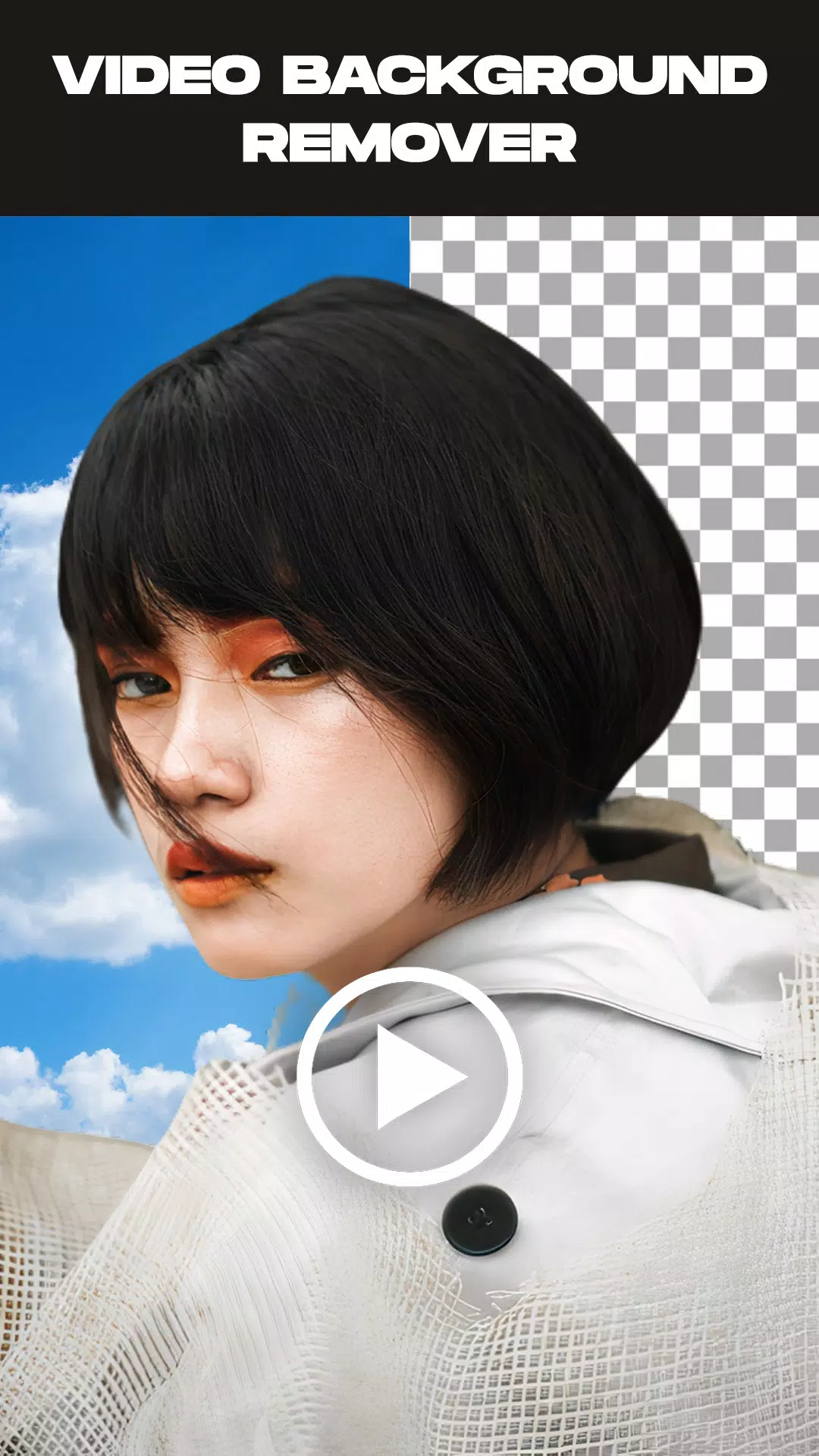
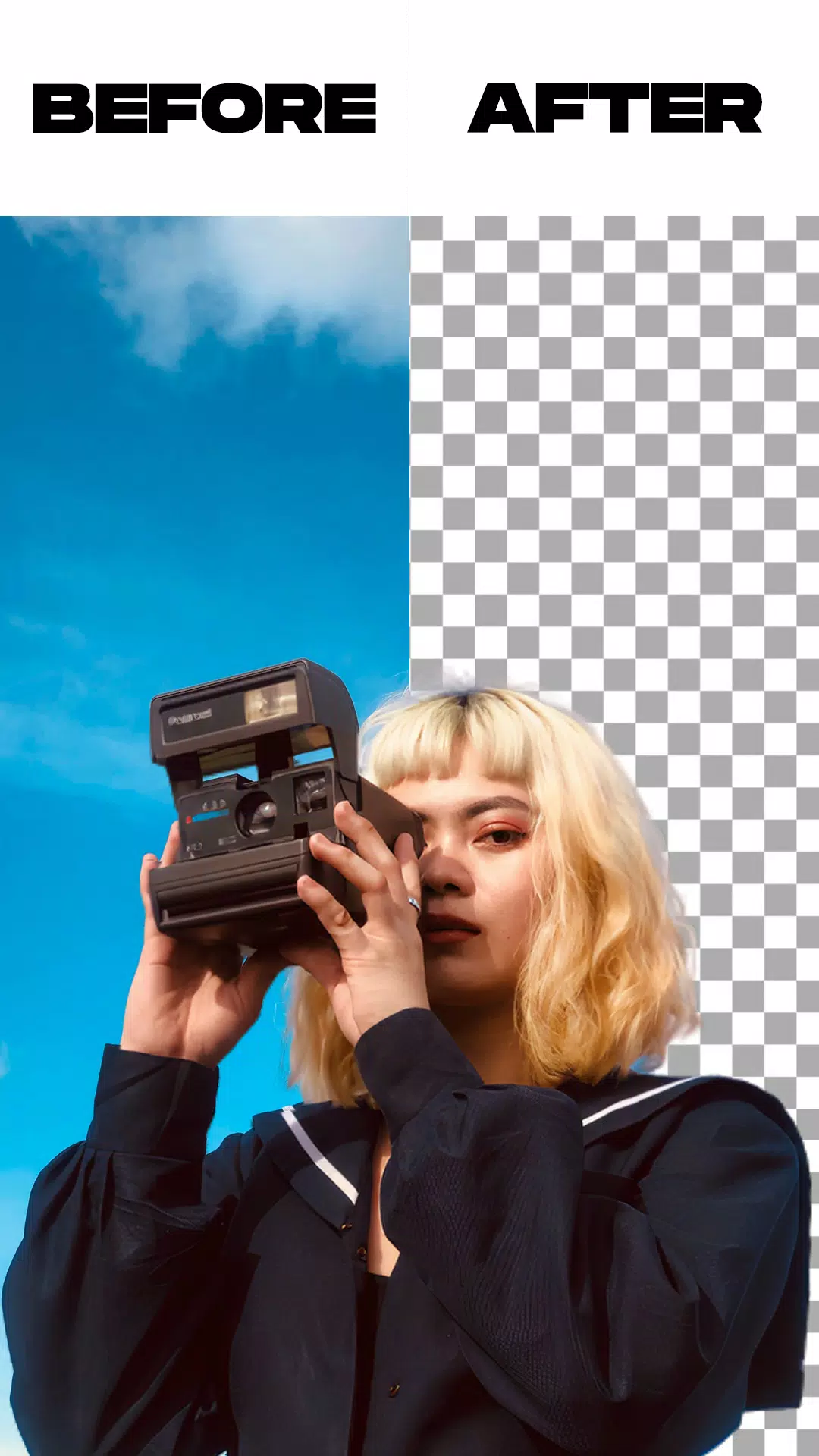
Easily remove backgrounds from videos and photos, or swap video backgrounds with your own.
Remove Video Background is a practical app that lets you delete backgrounds from videos and photos or replace them with new ones from your camera roll or gallery. The app gives you two main options and includes bonus features like image background removal and green screen replacement with any background you choose.
This free video background changer comes with a range of tools, including the ability to replace your video background with solid colors. With thousands of colors and gradients to pick from, you can easily select your favorite and apply it to your video background.
Beyond colors and gradients, you can also set a photo or even another video as your background—just one tap and your video gets a fresh new look.
The green screen effect supports both front and rear cameras. Switch between them instantly with a single tap, so you can change the background in selfies as well as videos shot with the back camera.
Green screens are popular among content creators who want to produce more creative and entertaining videos. But what exactly is a green screen? It’s a filter that offers multiple background options for videos made on social platforms.
Similar to the green backgrounds used in superhero movies, it lets people perform in front of a virtual scene. Although widely used online, do you know how to apply the effect yourself?
Features:
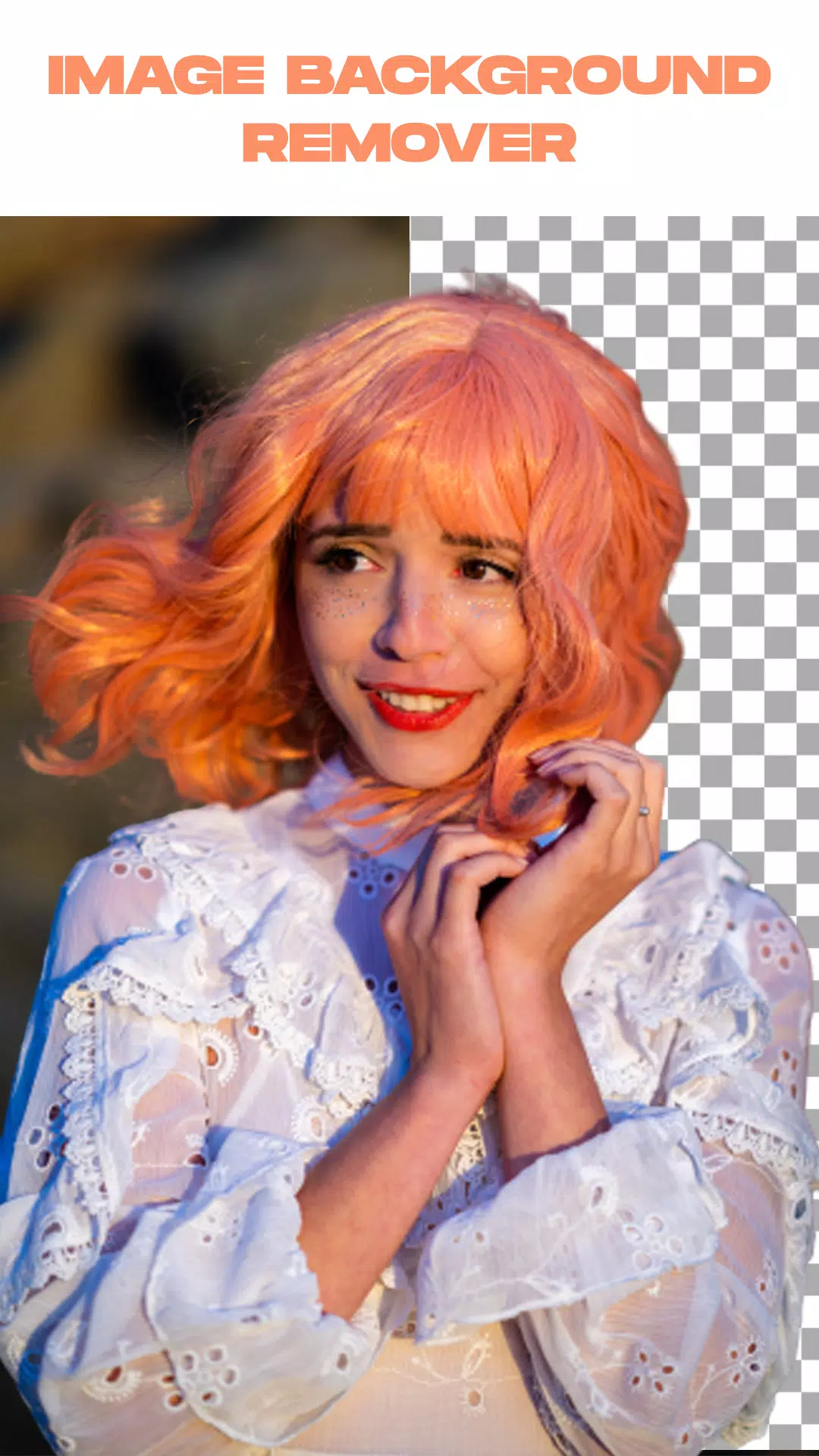
- Remove the background from an image automatically or manually.
- Trim your video before removing the background.
- Remove background from videos recorded with your camera or selected from your gallery.
- Replace the green screen background with a background of your choice.
How to use:
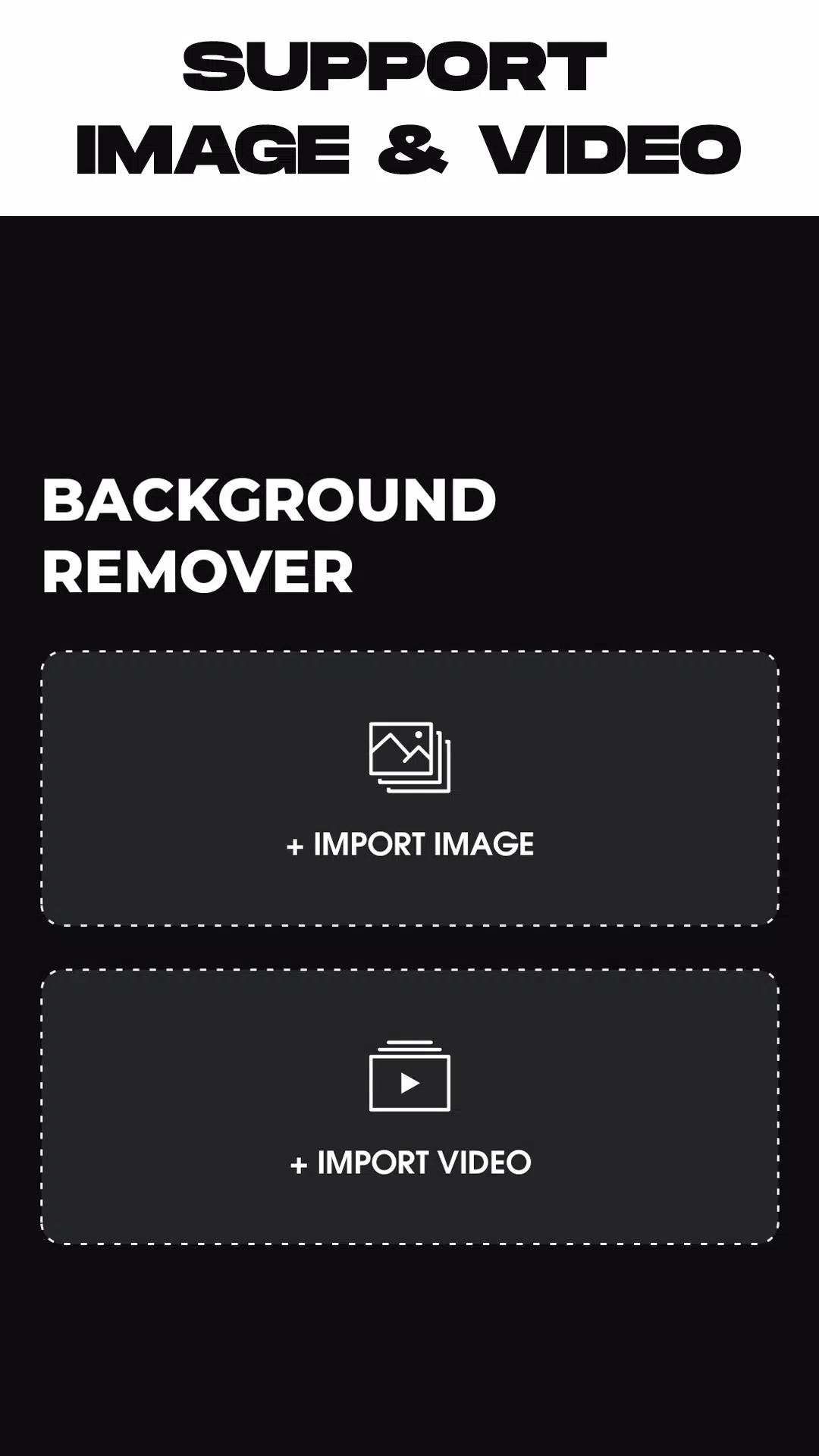
- Open the Remove Video Background app.
- Choose between removing a photo background or a video background.
- After selecting your media, the app will automatically start removing the background. Just wait until the process completes.
- Once the background is removed, you can replace it with a background from the in-app collection or choose one from your gallery—the choice is yours.
- When you’re finished, tap Export. The app will save your new video or photo to your gallery.
What's New in the Latest Version 1.5.4
Last updated on May 26, 2024
* Minor bug fixes.





![熊本のHairSalon YELLOW[ヘアサロンイエロー]](https://images.ydxad.com/uploads/78/173155007867355b7e469e0.webp)