
How To Get the Auto-Petter in Fields of Mistria
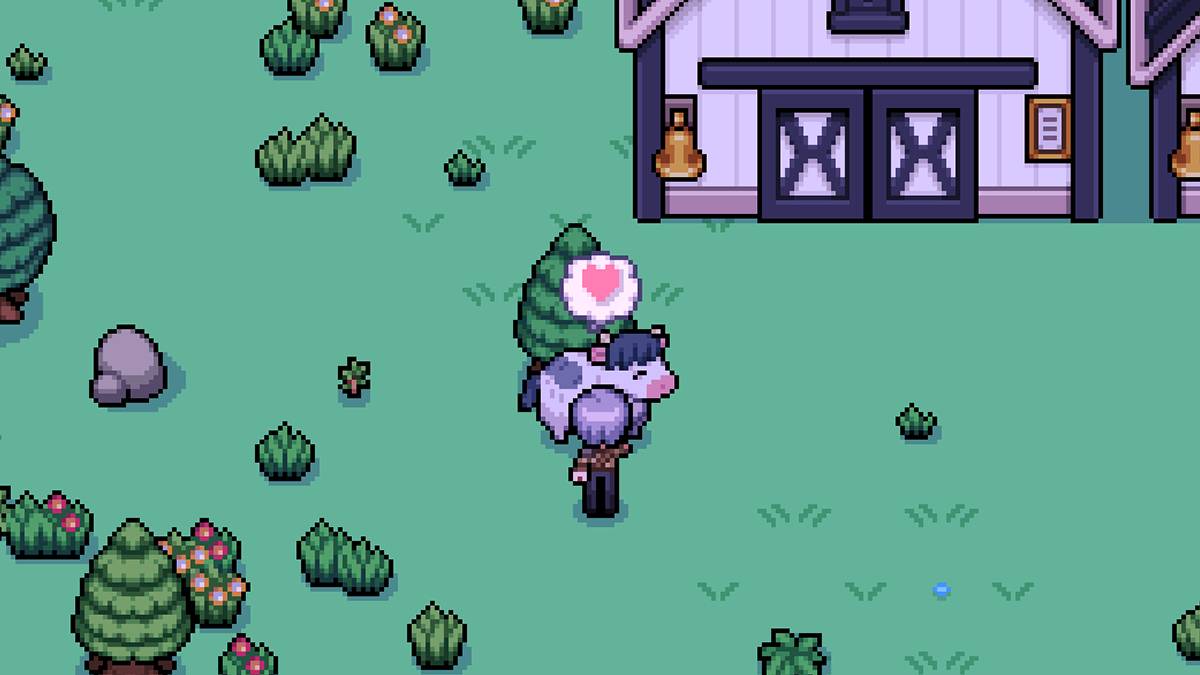
Raising livestock in *Fields of Mistria* can be a lucrative way to boost your in-game earnings, but the daily task of petting your animals can become tedious. Fortunately, there's a way to automate this chore, but it requires venturing into the world of mods.
Fields of Mistria Auto-Petter Guide
Unfortunately, the base version of *Fields of Mistria* does not include an auto-petter device. This means players must manually pet their livestock every day. However, modding offers a solution. I recommend using the Animal Friends mod by annanomoly, available on Nexus Mods. This mod not only auto-pets your livestock daily but also feeds them, saving you considerable time and effort.
To install this mod, you'll need the Mods of Mistria Installer, which is essential for the mod to function correctly. Here's how to set it up:
- Create a new folder named "Mods" in your *Fields of Mistria* game directory.
- Download the AnimalFriends.zip file and place it in the Mods folder.
- Extract the contents of the zip file.
- Delete or move the original zip file to another location.
- Run the Mods of Mistria Installer to activate the mod.
The Animal Friends mod comes with several features that can be toggled on or off. In addition to the auto-petter, you can enable an auto-feeder, a friendship multiplier, and a feature to prevent friendship loss. The friendship multiplier increases the number of hearts your animals have, while the prevent friendship loss ensures that these hearts do not diminish over time.
To customize these settings, locate the AnimalFriends.json file within the extracted mod folder. This file is a simple text document where you can activate features by changing "false" to "true." For example, to enable the auto-petter, you would modify the line to: ["auto-pet": true]. To disable a feature, simply revert "true" back to "false."
The friendship multiplier requires a numeric input between 1 and 100. Setting it to the maximum will accelerate your bonding process with the animals. To disable this feature, set it back to 1.
Upon installation, the mod comes with default settings where the auto-pet and auto-feed functions are not active, but it does increase the heart points gained from petting by five times and automatically activates the prevent friendship loss feature.
If you decide to remove the mod, do not simply delete the mod folder. Use the Mods of Mistria Installer to uninstall it properly to prevent any corruption or errors in your save file.
That's everything you need to know about automating petting in *Fields of Mistria*. Always back up your save file before installing any mods, as this ensures stability and safety. *Fields of Mistria* is available to play on PC.
-
 PC gaming has long been associated with keyboard and mouse controls, and for good reason. This setup offers unparalleled precision for first-person shooters and strategy games, making alternative controls feel subpar for these genres. Historically, rAuthor : Lily Dec 18,2025
 -
Xbox 360 recompilation kicks off with an unofficial PC port of Sonic Unleashed, crafted by dedicated fans.Sonic Team’s 2008 platformer hit Xbox 360, PlayStation 2, and Nintendo Wii, with a PlayStationAuthor : Evelyn Dec 18,2025
-
 House Flipper: Home DesignDownload
 -
 Kelime ÇarkıDownload
 -
 Circus Words: Magic PuzzleDownload
 -
 Escape from Her II: CorruptionDownload
 -
 Blox Fruits Dating SimulatorDownload
 -
 Words Words Words - Make MoneyDownload
 -
 Nymphomania: Idle BrothelDownload
 -
 Slots - Lotto JackpotDownload
 -
 SWe1: The Waio’s HeatDownload
 -
 Beach Buggy Racing 2Download








![Back to the Roots [0.8-public]](https://images.ydxad.com/uploads/44/1719584089667ec55970d05.png)

- Mastering Two-Handed Weapons in Elden Ring: A Guide
- Roblox Simulator Codes: Unlock Exclusive Rewards!
- Wuthering Waves: Uncover the Secrets of Whisperwind Haven's Palette
- Top 25 Palworld Mods to Enhance Your Game
- Ultimate Guide to Shinigami Progression in Hollow Era
- Karl Urban Debuts as Johnny Cage in Mortal Kombat 2