
Avatar World Character Customization Guide: Create Your Unique Avatar
Avatar World: Unleash Your Creativity with Character Customization
Avatar World's character creator is a powerful tool for crafting a unique avatar that truly reflects your style. This guide will walk you through the process, from initial body selection to fine-tuning your avatar's look.
Accessing the Character Creator
To begin customizing your avatar, launch Avatar World and tap the avatar icon located in the top right corner of the main screen. This will open the character customization interface. You can revisit this menu anytime to make adjustments.
Choosing Your Avatar's Body Type
Your journey starts with selecting a body type. Avatar World offers three options:
- Child: A smaller, youthful build, perfect for playful avatars.
- Teen: A balanced option, offering versatility in style.
- Adult: A taller, more mature physique, suitable for sophisticated characters.
Your choice affects your avatar's proportions, but not clothing options; all outfits are compatible with all body types.
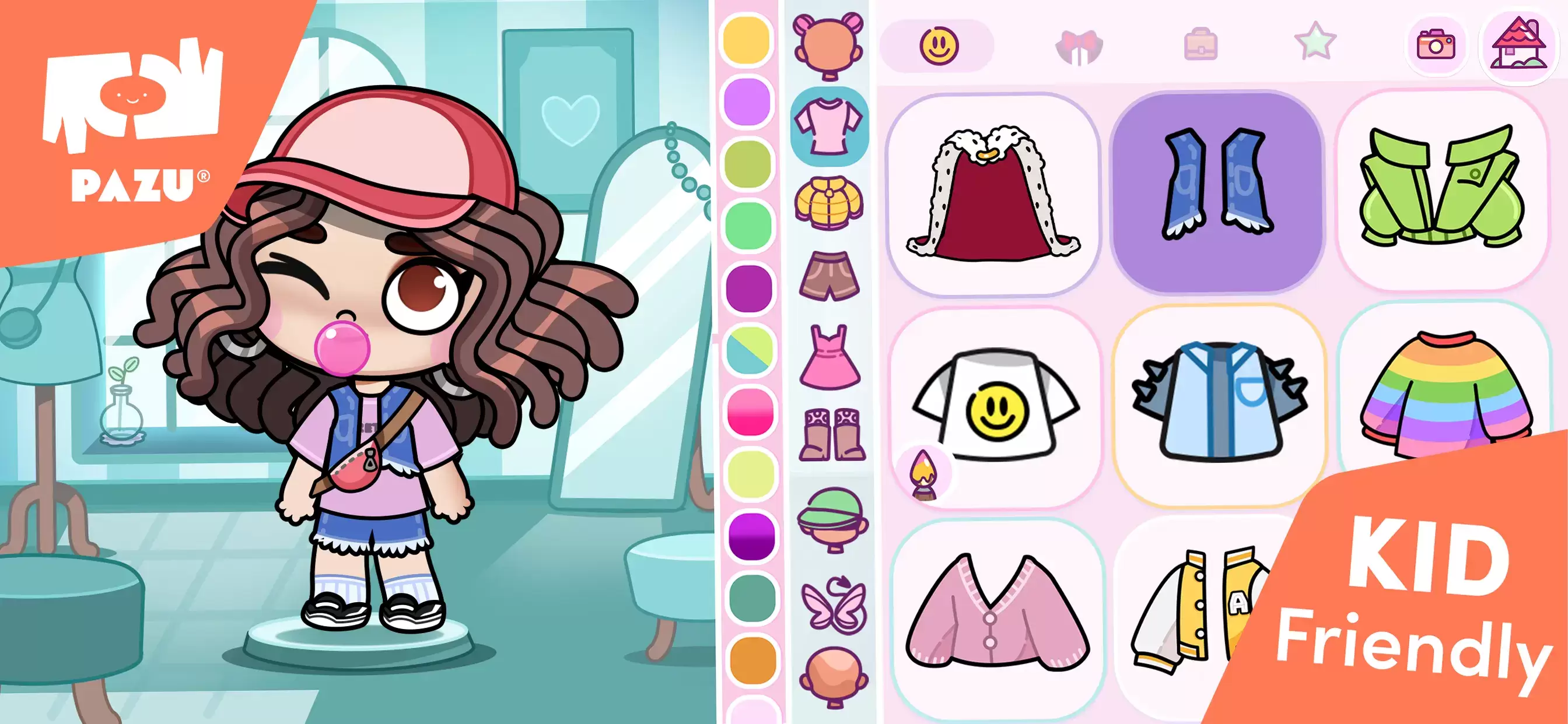
Mastering Character Customization
Unlock your creativity with these tips:
- Experiment: Don't be afraid to try different combinations until you find the perfect look.
- Explore In-Game Stores: Discover unique outfits and accessories in the in-game mall.
- Utilize Color Editing: Fine-tune colors to perfectly match your style.
- Mix and Match: Combine clothing items to create truly personalized outfits.
- Adjust Expressions: Enhance role-playing and storytelling with expressive facial features.
Avatar World's character customization offers a vast array of options, letting you create casual, formal, or playful avatars. This guide empowers you to design an avatar that perfectly represents you.
For an optimized gaming experience, consider playing Avatar World on PC with BlueStacks for enhanced controls and a larger screen.
-
 East Side Games Group is merging two wildly different universes in an exhilarating crossover. Trailer Park Boys: Greasy Money is joining forces with All Elite Wrestling: Rise to The Top. This special event begins on March 27th at 2:00 PM PT, deliveriAuthor : Sarah Mar 17,2026
 -
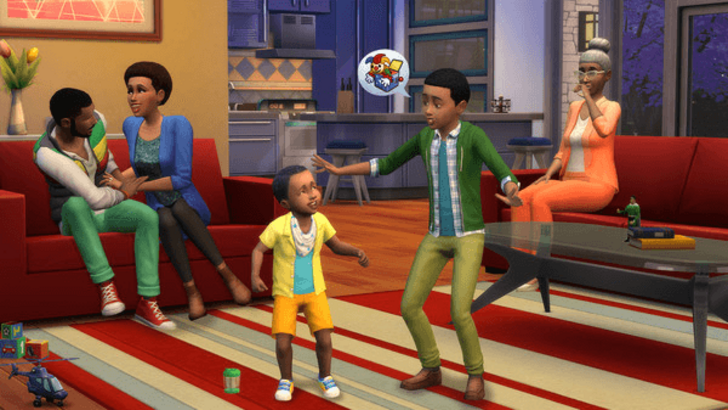 After years of speculation about The Sims 5, EA is charting a bold new course for the franchise. Instead of traditional numbered sequels, the company plans to expand "The Sims Universe" with ongoing updates across multiple titles.EA Plans on ExpandinAuthor : Samuel Mar 16,2026















- Classic WoW vs. Turtle WoW: 6 Key Differences
- Ultimate Guide to Shinigami Progression in Hollow Era
- Roblox Simulator Codes: Unlock Exclusive Rewards!
- Mastering Two-Handed Weapons in Elden Ring: A Guide
- Wuthering Waves: Uncover the Secrets of Whisperwind Haven's Palette
- Top 25 Palworld Mods to Enhance Your Game