Download
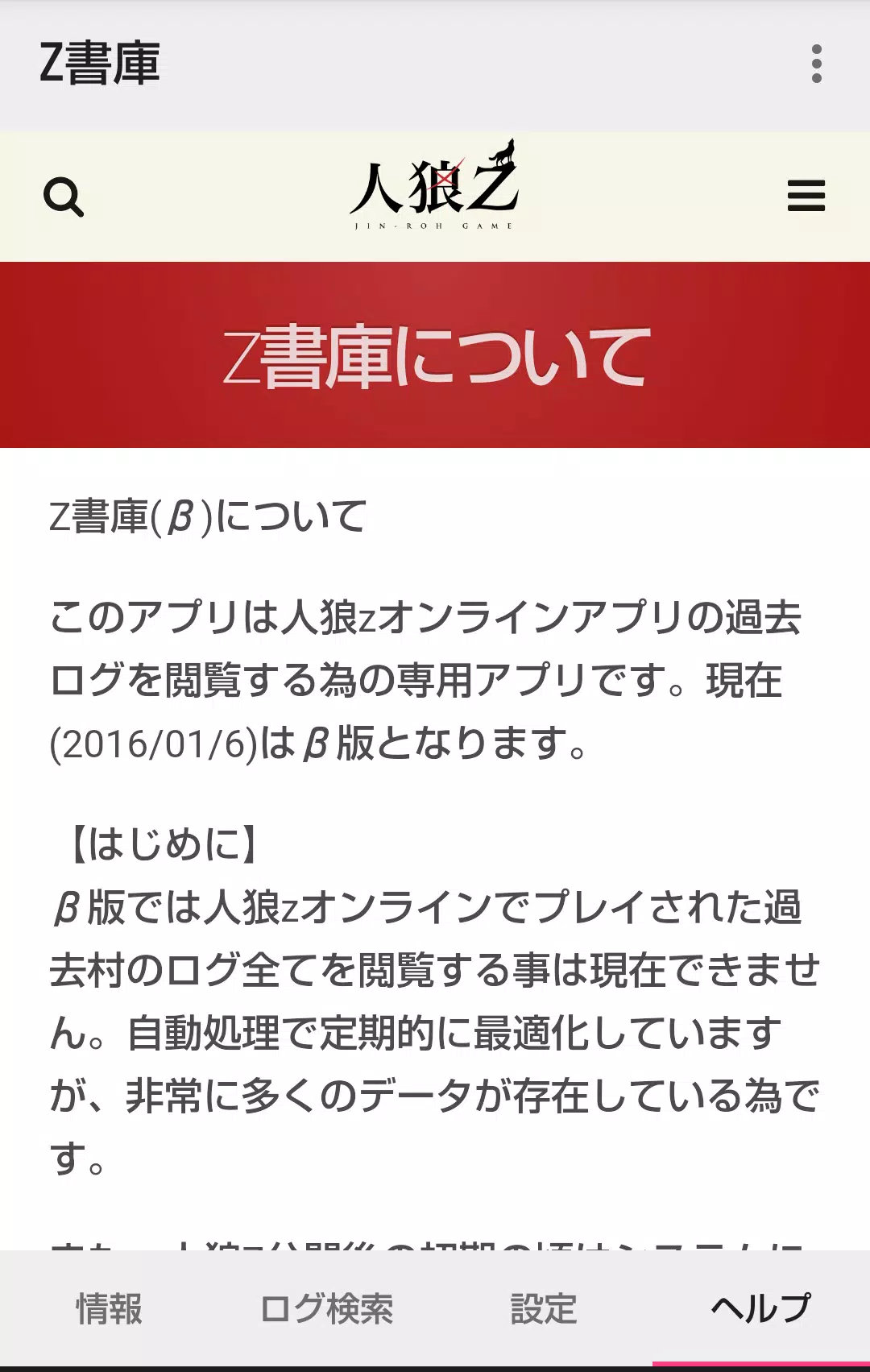
This is the dedicated companion app for viewing historical game logs from the Werewolf Z Online application.
[Introduction]
This application serves as a dedicated viewer for accessing past game logs from the Werewolf Z Online app.
【Home Screen】
Information tab
Displays information about villages currently being processed. Additional information is planned for future updates.
■ Log search tab
The log search feature offers
three search methods:
① Search by village name,
② Search for villages you have previously participated in,
③ Search for villages you have created
For methods ② and ③, the features are unlocked by launching the Z Archive app directly from the menu within the Werewolf Z Online application.
Regarding method (1), it searches by partial matches of the village name, but does not support searches using multiple keywords.
■ Settings tab
You can clear the cached log data stored within the application.
[Past Village Detail Screen]
A browsing code is required to access the detail screen.
However, entering the browsing code is not necessary if you have unlocked the search functions for methods ② and ③ above, or if you are accessing a village you created or participated in via the village name search.
[Detailed Log Screen]
Logs are displayed in chronological order, from the GM's game start message to the oldest entries.
By default, werewolf team chat and graveyard chat are hidden from view.
You can toggle the visibility of werewolf chat and graveyard chat from the settings menu.
Please note that in villages with a very high volume of logs, this toggle function may experience significant performance slowdowns.
What's New in the Latest Version 1.4.0
Last updated on Mar 7, 2023
1) Minor bug fixes.
2) Added display of sharer comments.