
Dynasty Warriors Origins: Mastering Fast Travel
While *Dynasty Warriors: Origins* isn't open-world in the truest sense, its sizable map offers a significant area to explore. Early game navigation is straightforward, but as the story unfolds and more provinces unlock, traversing the map can become time-consuming. This is further complicated by the constant unlocking of new skirmishes and requests, often requiring considerable backtracking. Fortunately, mastering fast travel significantly streamlines this process, especially for players aiming to complete all side content.
Learn how to utilize fast travel in *Dynasty Warriors: Origins* to save valuable time and optimize your gameplay.
How to Fast Travel in Dynasty Warriors: Origins
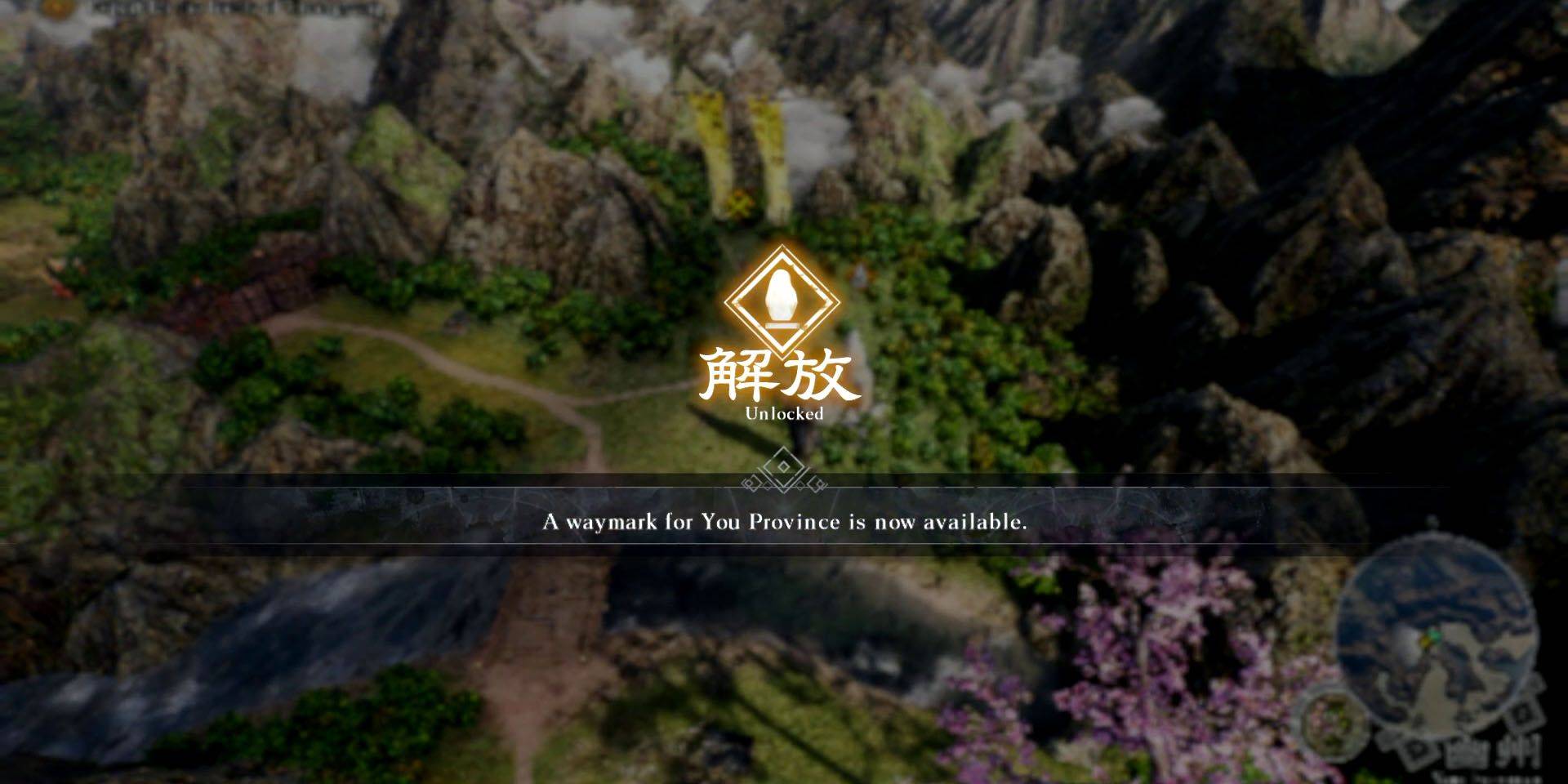
Fast travel in *Dynasty Warriors: Origins* utilizes Waymarks. To use this feature, you must first unlock a Waymark by approaching it on the world map and holding X (PlayStation) or A (Xbox). Once unlocked, it will appear on the map screen, enabling instant travel.
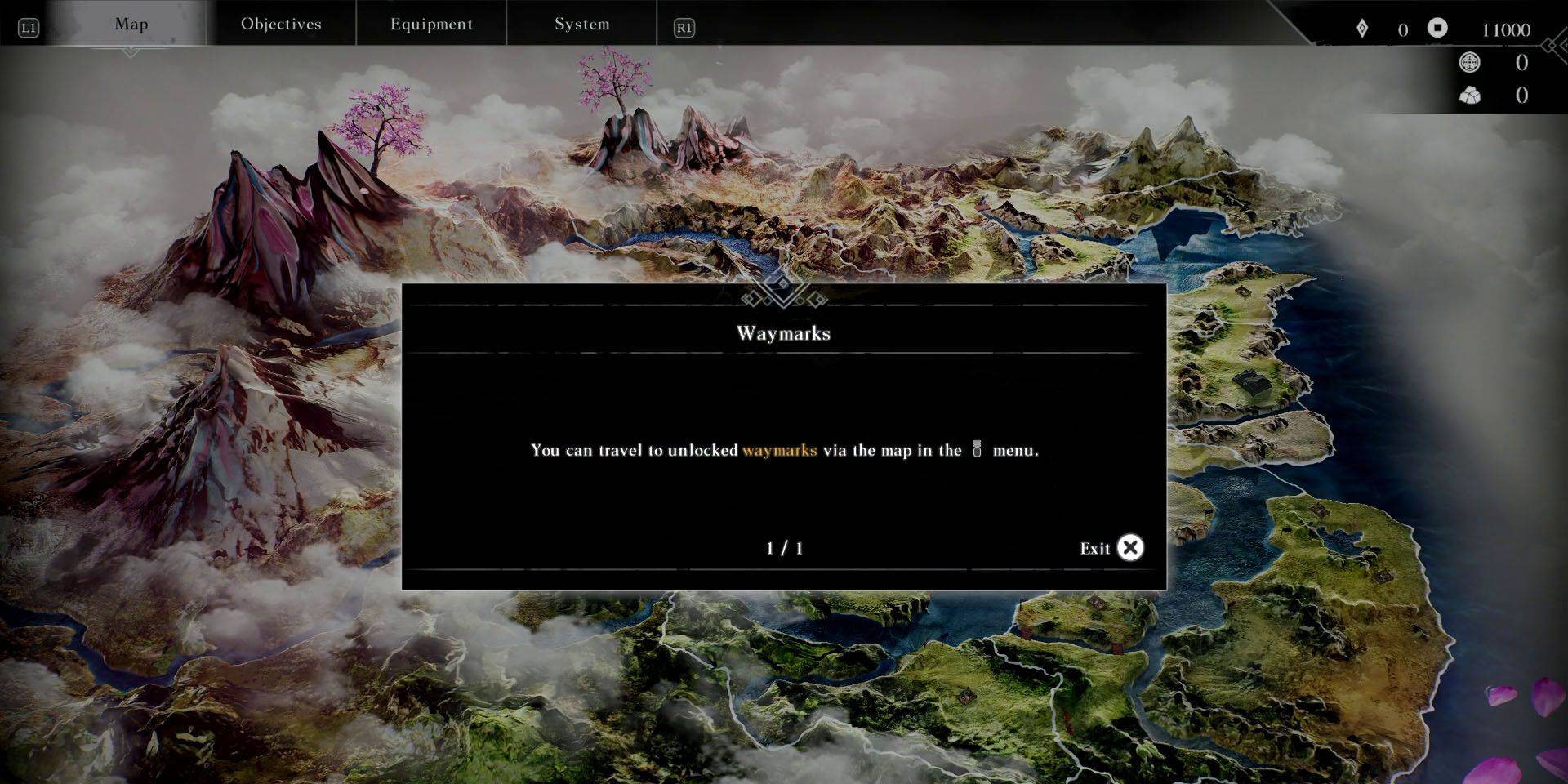
Accessing the map is simple. Outside of battle, interact with an unlocked Waymark or pause the game and navigate to the Map menu using the shoulder buttons. PlayStation players can conveniently access the map via the DualSense touchpad while on the world map.
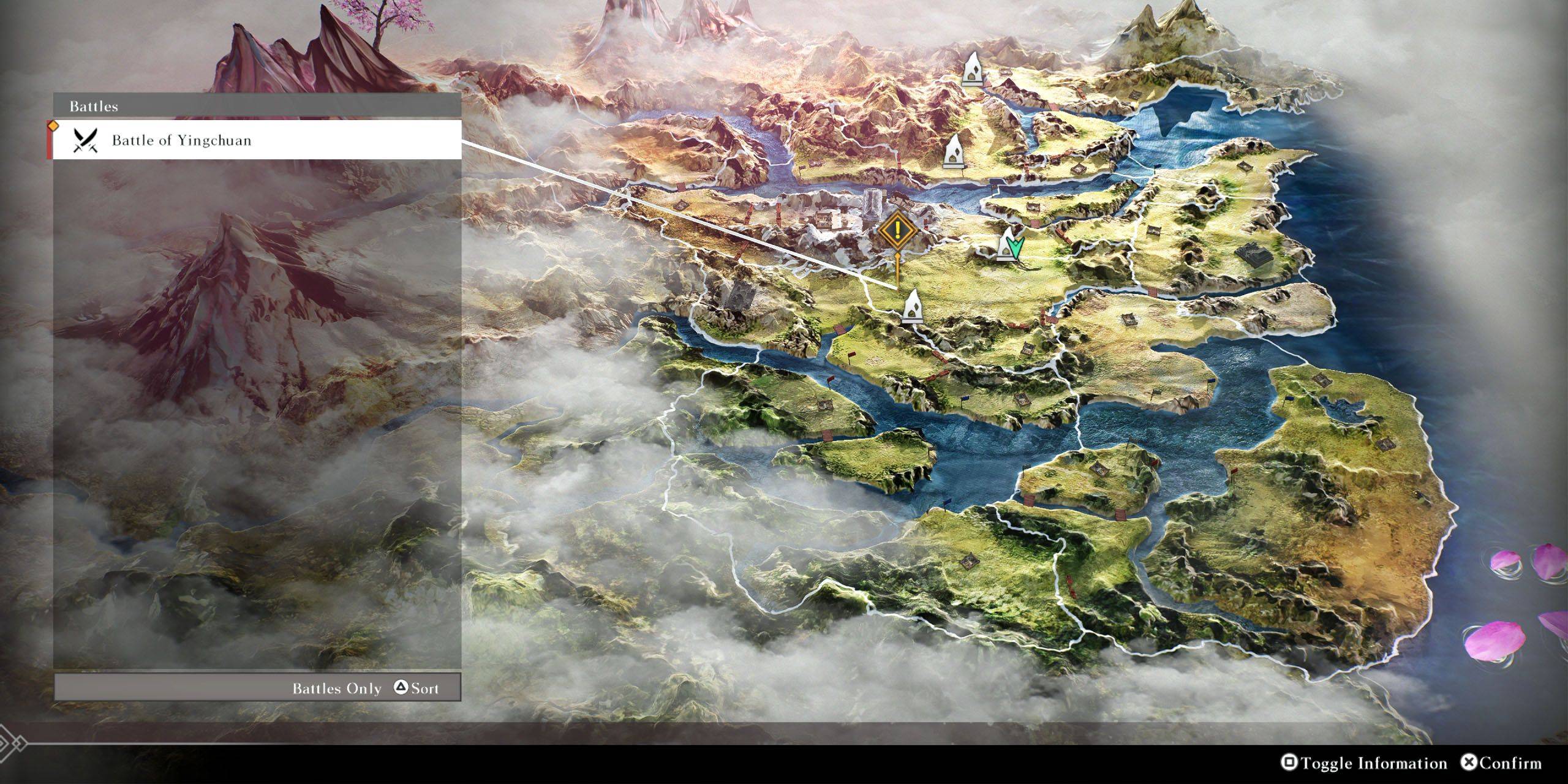
On the map screen, hovering over an unlocked Waymark displays nearby key locations and battles. To find a specific location or battle, press Square (PlayStation) or X (Xbox) to toggle information. Then, use Triangle (PlayStation) or Y (Xbox) to cycle through available battles and locations. Selecting your target will move the cursor to the nearest Waymark, allowing you to instantly travel there.
-
A new offline mode for Ubisoft’s The Crew 2 is available now, allowing owners to play the racing MMO without an internet connection if desired. The functionality—dubbed Hybrid Mode—has been fully detailed on the publisher’s website. According to UbisAuthor : Michael Mar 15,2026
-
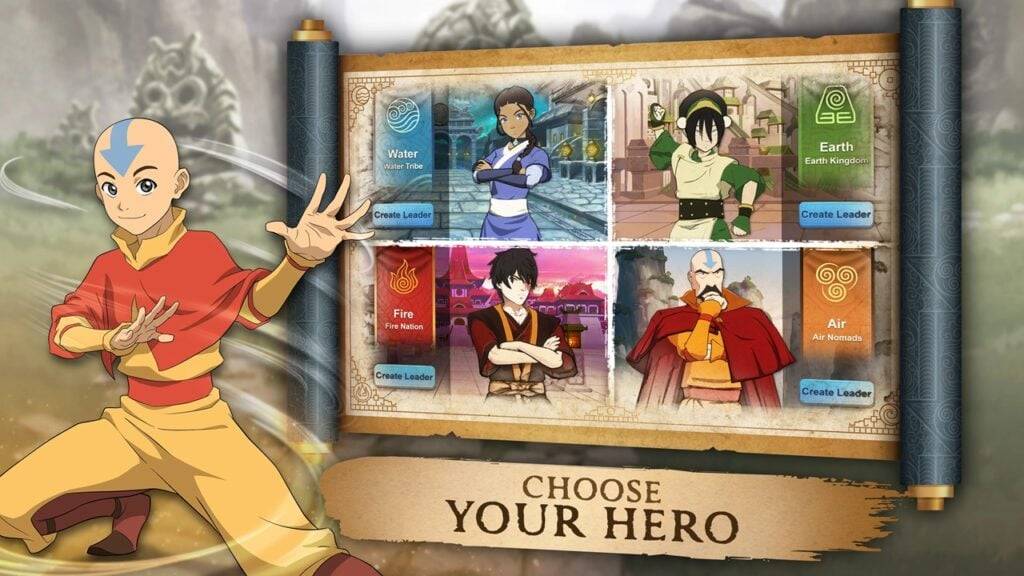 Avatar Legends: Realms Collide has officially launched on Android, offering a new 4X strategy experience within Nickelodeon's beloved Avatar universe. Developed by AN Games and published by Tilting Point, this title immerses you in a world of elementAuthor : Scarlett Mar 14,2026
-
 Dinosaur Hunting: Trex HunterDownload
 -
 Z書庫Download
 -
 Word Game. Crossword Search PuDownload
 -
 Buckshot Roulette: PvP DuelDownload
 -
 4 Pics Association Word PuzzleDownload
 -
 Win68Download
 -
 Kitty LetterDownload
 -
 SwingShotDownload
 -
 The Seven Realms 3Download
 -
 Curse of the Night Stalker - Chapter 3 releaseDownload











- Classic WoW vs. Turtle WoW: 6 Key Differences
- Ultimate Guide to Shinigami Progression in Hollow Era
- Roblox Simulator Codes: Unlock Exclusive Rewards!
- Mastering Two-Handed Weapons in Elden Ring: A Guide
- Wuthering Waves: Uncover the Secrets of Whisperwind Haven's Palette
- Top 25 Palworld Mods to Enhance Your Game