
How to Fix Final Fantasy 7 Rebirth Stuttering on PC
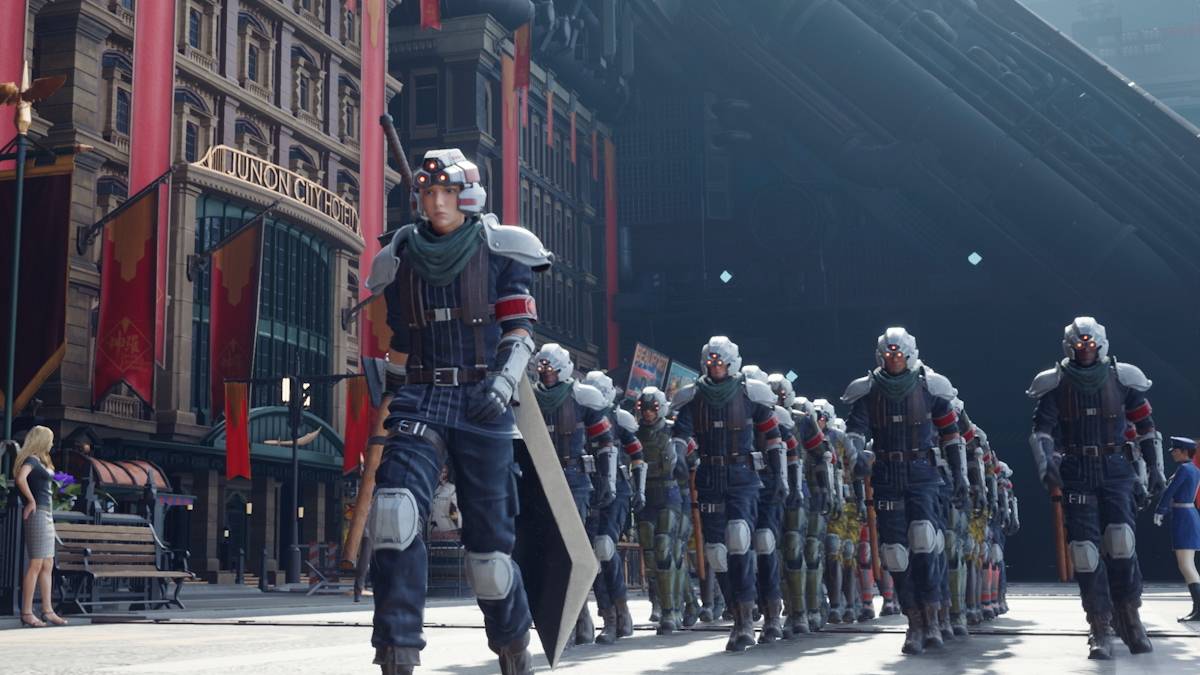
Alas, the curse of poor optimization has struck *Final Fantasy VII Rebirth*. Following its PC release, many players are experiencing frustrating stuttering. Fortunately, several solutions can help alleviate this issue.
Table of Contents
- Final Fantasy VII Rebirth PC Stuttering Solutions
- Lower Graphics Settings
- Update Your GPU Drivers
- Use Mods
- Change Your Nvidia Settings
Final Fantasy VII Rebirth PC Stuttering Solutions
Lower Graphics Settings
Final Fantasy VII Rebirth is graphically demanding. If your PC only meets minimum specifications, carefully adjusting graphics settings is crucial. Access the in-game menu, select graphics options, and begin with the lowest settings. Gradually increase them, monitoring performance to find the optimal balance between visuals and smoothness. Consider enabling VRR (Variable Refresh Rate) for smoother gameplay; however, be aware that this might introduce minor visual artifacts for some users.
Update Your GPU Drivers
Outdated GPU drivers are a common culprit for performance issues. Ensure you have the latest drivers installed. Nvidia users should open GeForce Experience and check for updates under the Drivers tab. AMD users can use AMD Adrenalin Edition to check for and install the latest drivers.
Use Mods
Several community-created mods can improve performance. Two notable options are Fantasy Optimizer and Ultimate Engine Tweaks. These mods typically require placing files in a specific game directory; consider using a mod manager like Vortex from Nexus Mods for easier installation. Note that Ultimate Engine Tweaks often requires FFVIIHook.
Change Your Nvidia Settings
For Nvidia users, adjusting certain settings can help. Enable V-Sync and G-Sync in the Nvidia Control Panel, but disable V-Sync within the game itself. Experiment with the Low Latency Mode setting, trying both "On" and "Ultra" to see which performs better.
These steps should help resolve stuttering in *Final Fantasy VII Rebirth*.
*Final Fantasy VII Rebirth is available now on PlayStation and PC.*
-
 Avatar Legends: Realms Collide has officially launched on Android, offering a new 4X strategy experience within Nickelodeon's beloved Avatar universe. Developed by AN Games and published by Tilting Point, this title immerses you in a world of elementAuthor : Scarlett Mar 14,2026
 -
 ATHENA: Blood Twins masterfully blends high-speed combat with a rich narrative, featuring fluid hack-and-slash mechanics, customizable skill trees, and an intricate weapon mastery system. Adventurers will journey through haunting gothic landscapes—raAuthor : Ava Mar 13,2026
















- Classic WoW vs. Turtle WoW: 6 Key Differences
- Ultimate Guide to Shinigami Progression in Hollow Era
- Roblox Simulator Codes: Unlock Exclusive Rewards!
- Mastering Two-Handed Weapons in Elden Ring: A Guide
- Wuthering Waves: Uncover the Secrets of Whisperwind Haven's Palette
- Top 25 Palworld Mods to Enhance Your Game