
The Best G-Sync Monitors to Pair With Your Nvidia GPU
Choosing the Perfect G-Sync Gaming Monitor for Your Nvidia Graphics Card
Nvidia's excellence extends beyond GPUs; their G-Sync adaptive refresh rate technology ensures visually stunning gameplay. This guide explores the best G-Sync gaming monitors, categorized for easier selection.
Top G-Sync Gaming Monitors:

1. Alienware AW3423DW – Best Overall
- Rating: 9/10
- See it at: Amazon
This ultrawide QD-OLED monitor boasts G-Sync Ultimate certification, undergoing rigorous testing for optimal performance. Its stunning visuals, speed, and smooth gameplay are truly exceptional.
Product Specifications:
- Screen Size: 34"
- Aspect Ratio: 21:9
- Resolution: 3440x1440
- Panel Type: QD-OLED G-Sync Ultimate
- Brightness: 250 cd/m2
- Refresh Rate: 175Hz
- Response Time: 0.03ms
- Inputs: 2 x HDMI 2.0, 1 x DisplayPort 1.4
Pros: Stunning OLED-QD panel, immersive ultrawide display. Cons: HDMI 2.0 ports limit maximum refresh rate with some consoles.
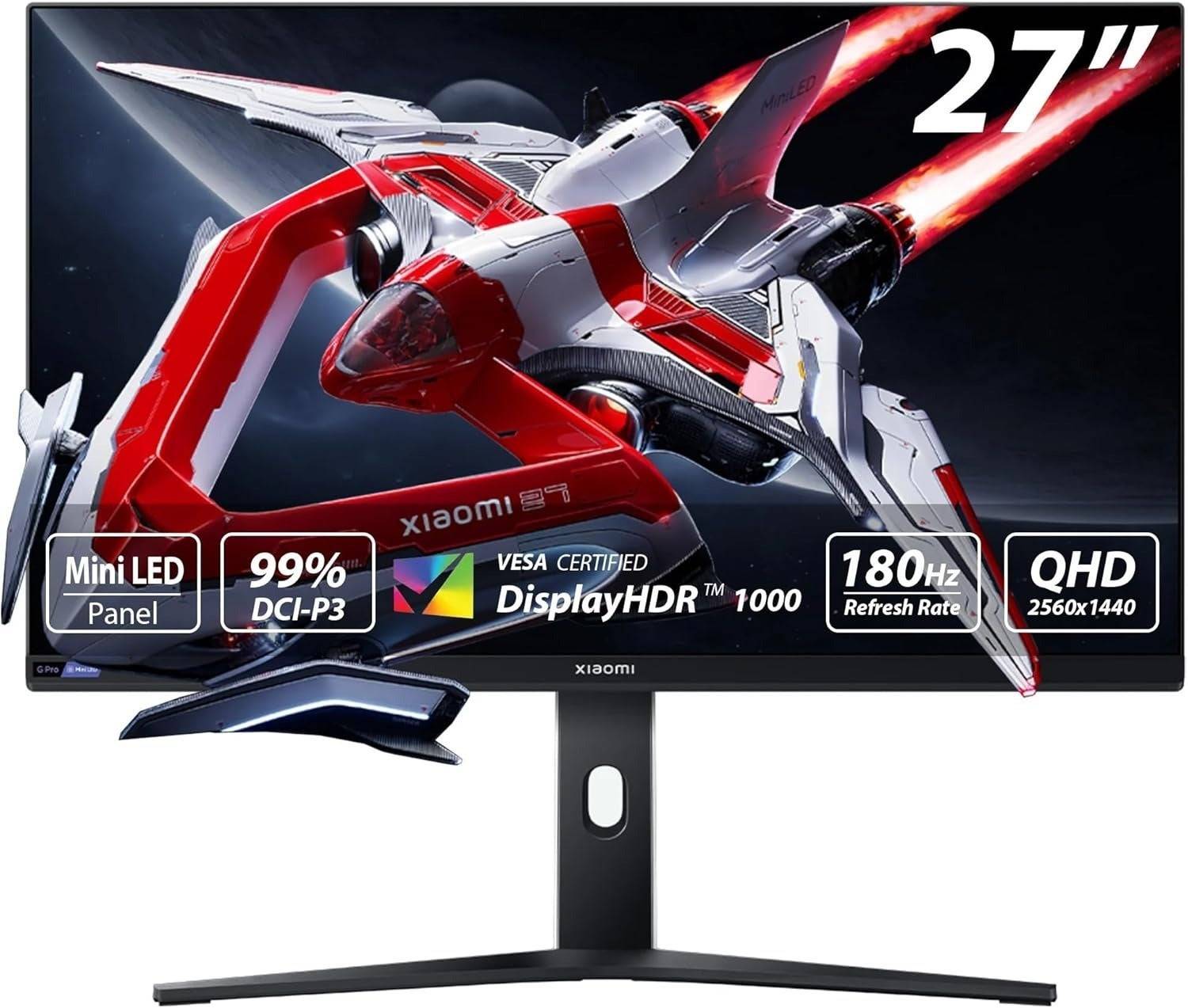
2. Xiaomi G Pro 27i Mini-LED Gaming Monitor – Best Budget
- Rating: 9/10
- See it at: Amazon
Exceptional picture quality at an unbeatable price. While not G-Sync Ultimate, its smooth gameplay and mini-LED display deliver a top-tier experience.
Product Specifications:
- Screen size: 27"
- Aspect ratio: 16:9
- Resolution: 2560x1440
- Panel type: IPS
- HDR compatibility: HDR1000
- Brightness: 1,000 nits
- Refresh rate: 180Hz
- Response time: 1ms (GTG)
- Inputs: 2 x DisplayPort 1.4, 2 x HDMI 2.0, 1 x 3.5mm Audio
Pros: Exceptional picture quality, fast refresh rate, high peak brightness, numerous local dimming zones. Cons: No built-in USB hub, lacks dedicated gaming modes.
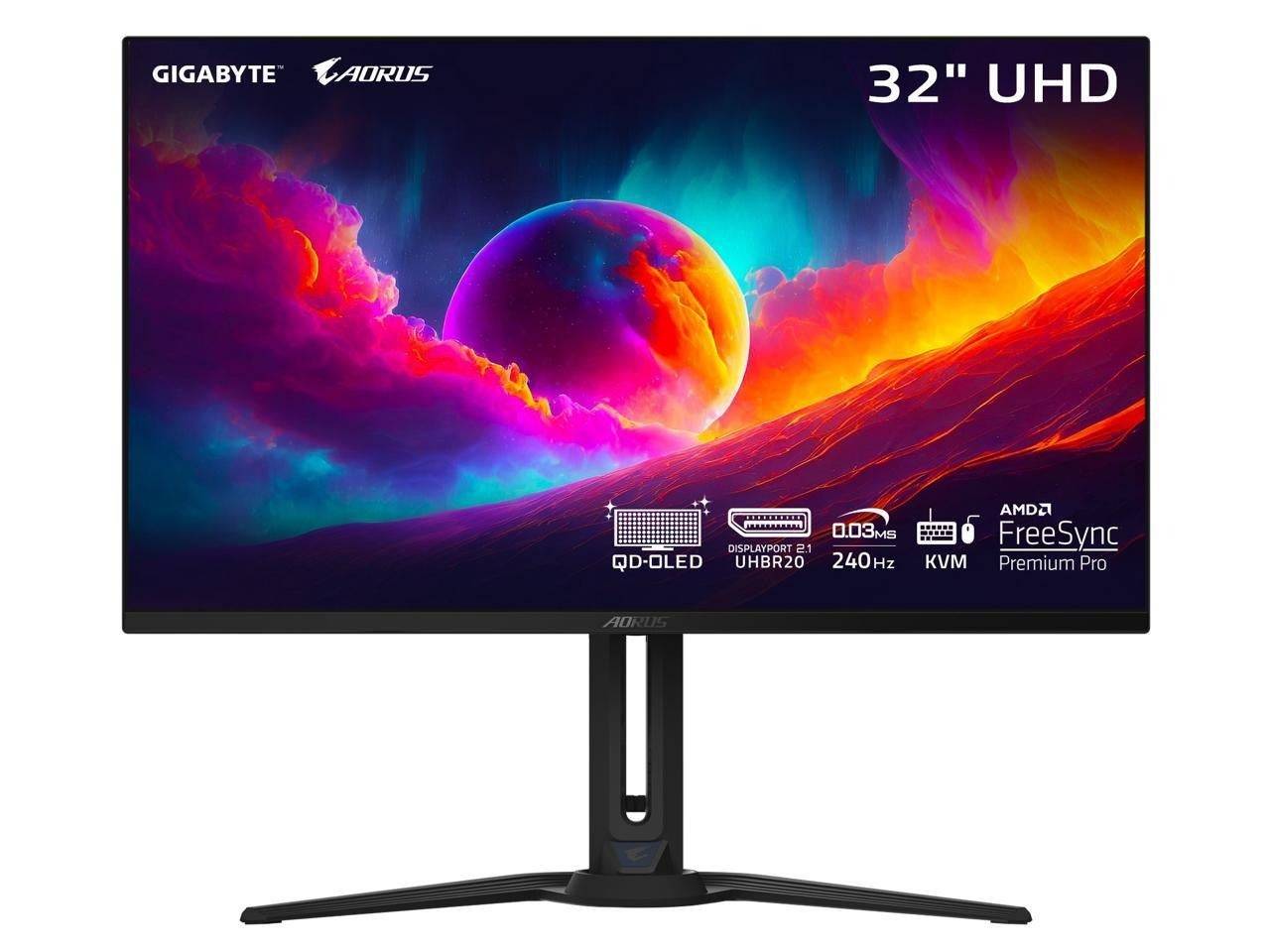
3. Gigabyte FO32U2 Pro – Best 4K
- Rating: 9/10
- See it at: Amazon
A stellar 4K, 240Hz QD-OLED monitor with HDMI 2.1 and DisplayPort 1.4 support, offering exceptional picture quality and features like a shadow booster.
Product Specifications:
- Screen size: 31.5"
- Aspect ratio: 16:9
- Resolution: 3840x2160
- Panel type: QD-OLED
- HDR compatibility: HDR TrueBlack 400
- Brightness: 1,000 nits
- Refresh rate: 240Hz
- Response time: 0.03ms
- Inputs: 2 x HDMI 2.1, 1 x DisplayPort 1.4
Pros: Outstanding picture quality, thin design. Cons: Expensive.
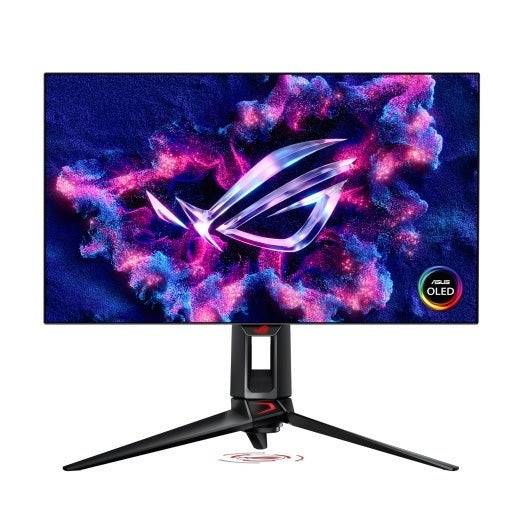
4. Asus ROG Swift PG27AQDP – Best 1440p
- Rating: 9/10
- See it at: Newegg, Amazon
A top-tier 1440p monitor with a 480Hz refresh rate and 0.03ms response time, offering exceptional image quality and G-Sync compatibility.
Product Specifications:
- Screen size: 26.5"
- Aspect ratio: 16:9
- Resolution: 2560x1440
- Panel type: OLED
- HDR: VESA DisplayHDR True Black
- Brightness: 1,300 cd/m2 (peak)
- Refresh rate: 480Hz
- Response time: 0.03ms
- Inputs: 2 x HDMI 2.1, 1 x DisplayPort 1.4, 2 x USB 3.2 Gen 2 Type-A, Headphones
Pros: Excellent size for 1440p, high brightness and contrast, fast refresh rate, accurate colors. Cons: Few games reach 480Hz.
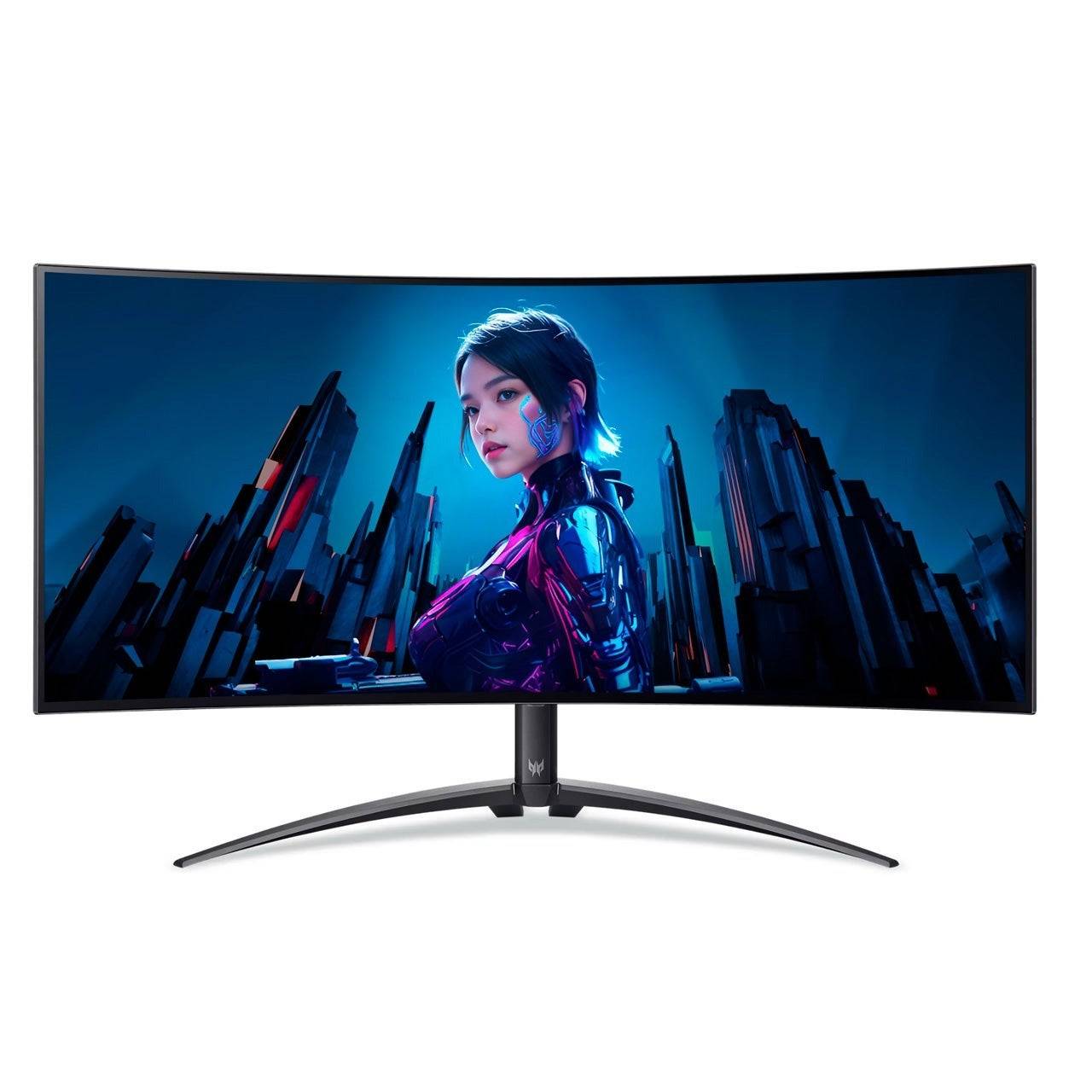
5. Acer Predator X34 OLED – Best Ultrawide
- See it at: Amazon, B&H
A stunning ultrawide OLED monitor with a deep curve, fast refresh rate, and excellent image quality.
Product Specifications:
- Screen size: 34"
- Aspect ratio: 21:9
- Resolution: 3440x1440
- Panel type: OLED
- HDR: VESA DisplayHDR True Black 400
- Brightness: 1,300 cd/m2 (peak)
- Refresh rate: 240Hz
- Response time: 0.03ms
- Inputs: 2 x HDMI 2.1, 1 x DisplayPort 1.4, 2 x USB 3.2 Gen 2 Type-C
Pros: Deep curve, beautiful OLED screen, fast refresh rate, accurate colors. Cons: Some text warping, lacks dedicated sRGB mode.
Understanding G-Sync Standards:
- G-Sync Ultimate & G-Sync: Require a dedicated hardware module for smooth gameplay across the entire refresh rate range. G-Sync Ultimate adds HDR and wide color gamut support.
- G-Sync Compatible: Relies on VESA Adaptive Sync, working from 40Hz (or higher, depending on the monitor).
G-Sync FAQs:
- Is G-Sync Ultimate worth it? A premium feature, beneficial at the high-end but not essential.
- G-Sync vs. FreeSync? Similar performance, G-Sync offers full-range adaptive sync with dedicated hardware.
- Hardware requirements? An Nvidia graphics card is all you need. G-Sync Compatible monitors often support FreeSync as well.
- When are G-Sync monitors on sale? Prime Day, Black Friday, and other major shopping events.
Remember to consider your budget, resolution preference (1440p, 4K), and desired features when making your choice. Enjoy your enhanced gaming experience!
-
 East Side Games Group is merging two wildly different universes in an exhilarating crossover. Trailer Park Boys: Greasy Money is joining forces with All Elite Wrestling: Rise to The Top. This special event begins on March 27th at 2:00 PM PT, deliveriAuthor : Sarah Mar 17,2026
 -
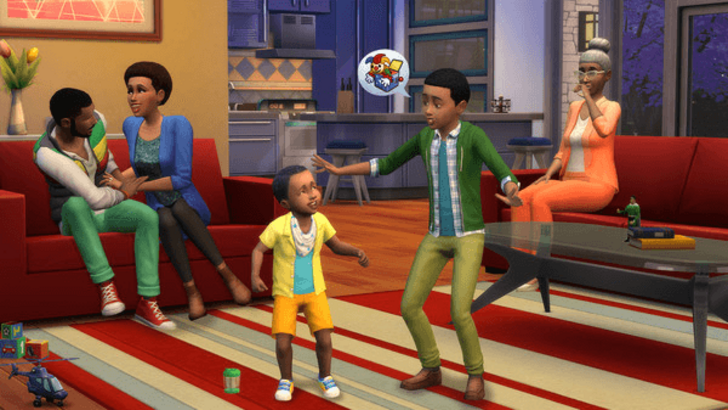 After years of speculation about The Sims 5, EA is charting a bold new course for the franchise. Instead of traditional numbered sequels, the company plans to expand "The Sims Universe" with ongoing updates across multiple titles.EA Plans on ExpandinAuthor : Samuel Mar 16,2026
-
 Airport Clash 3D - Minigun ShoDownload
 -
 A RecreativaDownload
 -
 com.crikey.dreamcarnival ModDownload
 -
 تحدي ام حقيقةDownload
 -
 Madden NFL 25 CompanionDownload
 -
 Survivor Z: Zombie SurvivalDownload
 -
 Dinosaur Hunting: Trex HunterDownload
 -
 Z書庫Download
 -
 Word Game. Crossword Search PuDownload
 -
 Buckshot Roulette: PvP DuelDownload











- Classic WoW vs. Turtle WoW: 6 Key Differences
- Ultimate Guide to Shinigami Progression in Hollow Era
- Roblox Simulator Codes: Unlock Exclusive Rewards!
- Mastering Two-Handed Weapons in Elden Ring: A Guide
- Wuthering Waves: Uncover the Secrets of Whisperwind Haven's Palette
- Top 25 Palworld Mods to Enhance Your Game