
Unleash the Power: Comprehensive Guide to KC:D 2 Console Commands
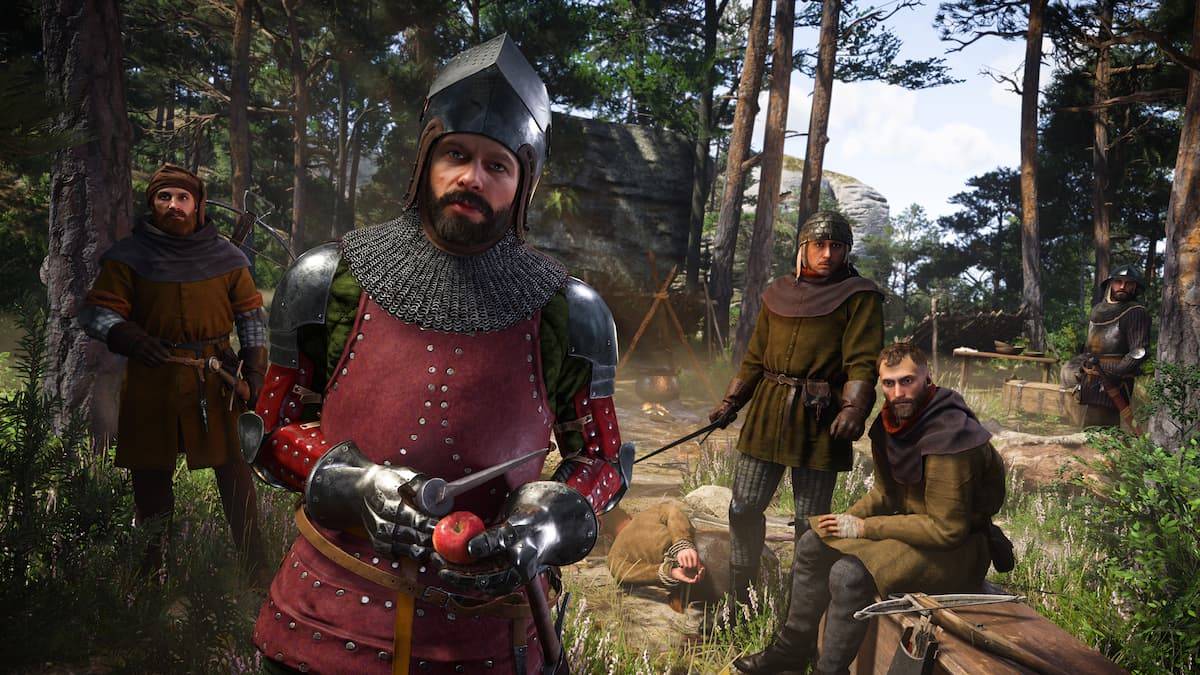
Unlocking the Secrets of Kingdom Come: Deliverance 2 with Console Commands
Kingdom Come: Deliverance 2 presents a challenging gameplay experience. This guide details how to utilize console commands to simplify your journey. Note that these commands are exclusively for the PC version.
Enabling Console Commands:
Before launching the game via Steam, right-click the game title, select "Properties," and in the "Launch Options" field, enter "-devmode". Once the game starts, press the tilde key (`~) to access the console.
List of Console Commands and Cheats:
The following table outlines available console commands and their effects:
| Console Command | Effect |
|---|---|
wh_sys_NoSavePotion = 1 | Allows saving without Saviour Schnapps. |
wh_cheat_money [value] | Adds a specified amount of Groschen. |
wh_horse_StealCurrentHorse | Instantly steals the currently ridden horse. |
wh_rpg_OneShotKill = 1 | Enables one-hit kills for both player and enemies. |
wh_horse_JumpHeight = [1-200] | Adjusts horse jump height (values 1-200). |
wh_horse_JumpGravityMult = [-0.1-1] | Modifies horse gravity (values -0.1 to 1). |
wh_pl_LockPickingShakeOverride = 0 | Removes lockpicking screen shake. |
wh_pl_LockPickingDOF = 50 | Increases lockpicking time. |
wh_ui_showHUD = 0 | Disables the Heads-Up Display (HUD). |
wh_cheat_addItem [item ID] | Spawns an item using its ID. |
Useful Item IDs:
The following IDs can be used with the wh_cheat_addItem command:
- Saviour Schnapps: 928463d9-e21a-4f7c-b5d3-8378ed375cd1
- Marigold Decoction: B38c34b7-6016-4f64-9ba2-65e1ce31d4a1
- Armorer's Kit: 167eb312-0e9d-4c2f-8ce3-56c32f5a84cb
- Tailor's Kit: 9f7a0c0a-6458-4622-9cc5-2f4dd4898b50
- Blacksmith's Kit: C707733a-c0a7-4f02-b684-9392b0b15b83
- Lockpick: 8d76f58e-a521-4205-a7e8-9ac077eee5f0
This comprehensive guide provides all the necessary information to effectively utilize console commands and cheats in Kingdom Come: Deliverance 2. Consult additional resources for further gameplay tips and strategies.
-
 East Side Games Group is merging two wildly different universes in an exhilarating crossover. Trailer Park Boys: Greasy Money is joining forces with All Elite Wrestling: Rise to The Top. This special event begins on March 27th at 2:00 PM PT, deliveriAuthor : Sarah Mar 17,2026
 -
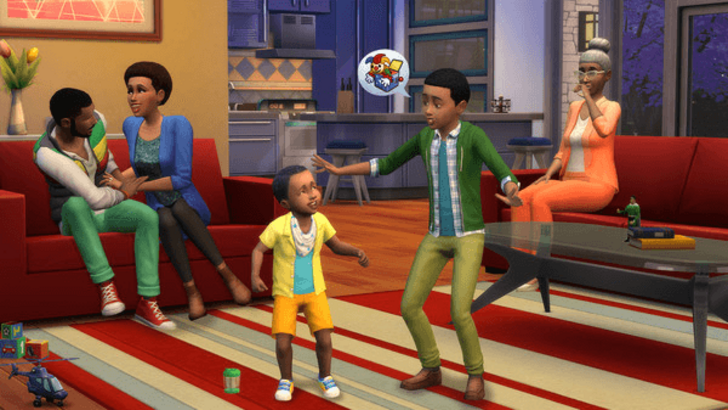 After years of speculation about The Sims 5, EA is charting a bold new course for the franchise. Instead of traditional numbered sequels, the company plans to expand "The Sims Universe" with ongoing updates across multiple titles.EA Plans on ExpandinAuthor : Samuel Mar 16,2026
-
 Airport Clash 3D - Minigun ShoDownload
 -
 A RecreativaDownload
 -
 com.crikey.dreamcarnival ModDownload
 -
 تحدي ام حقيقةDownload
 -
 Madden NFL 25 CompanionDownload
 -
 Survivor Z: Zombie SurvivalDownload
 -
 Dinosaur Hunting: Trex HunterDownload
 -
 Z書庫Download
 -
 Word Game. Crossword Search PuDownload
 -
 Buckshot Roulette: PvP DuelDownload











- Classic WoW vs. Turtle WoW: 6 Key Differences
- Ultimate Guide to Shinigami Progression in Hollow Era
- Roblox Simulator Codes: Unlock Exclusive Rewards!
- Mastering Two-Handed Weapons in Elden Ring: A Guide
- Wuthering Waves: Uncover the Secrets of Whisperwind Haven's Palette
- Top 25 Palworld Mods to Enhance Your Game