
Warzone Status Update: Check Server Availability
Troubleshooting Call of Duty: Warzone Connectivity Problems: A Comprehensive Guide
Call of Duty: Warzone, with its expansive content and massive player base, occasionally experiences server connectivity issues. This guide provides methods to check server status and troubleshoot common connection problems.
Quick Links
Checking Warzone Server Status
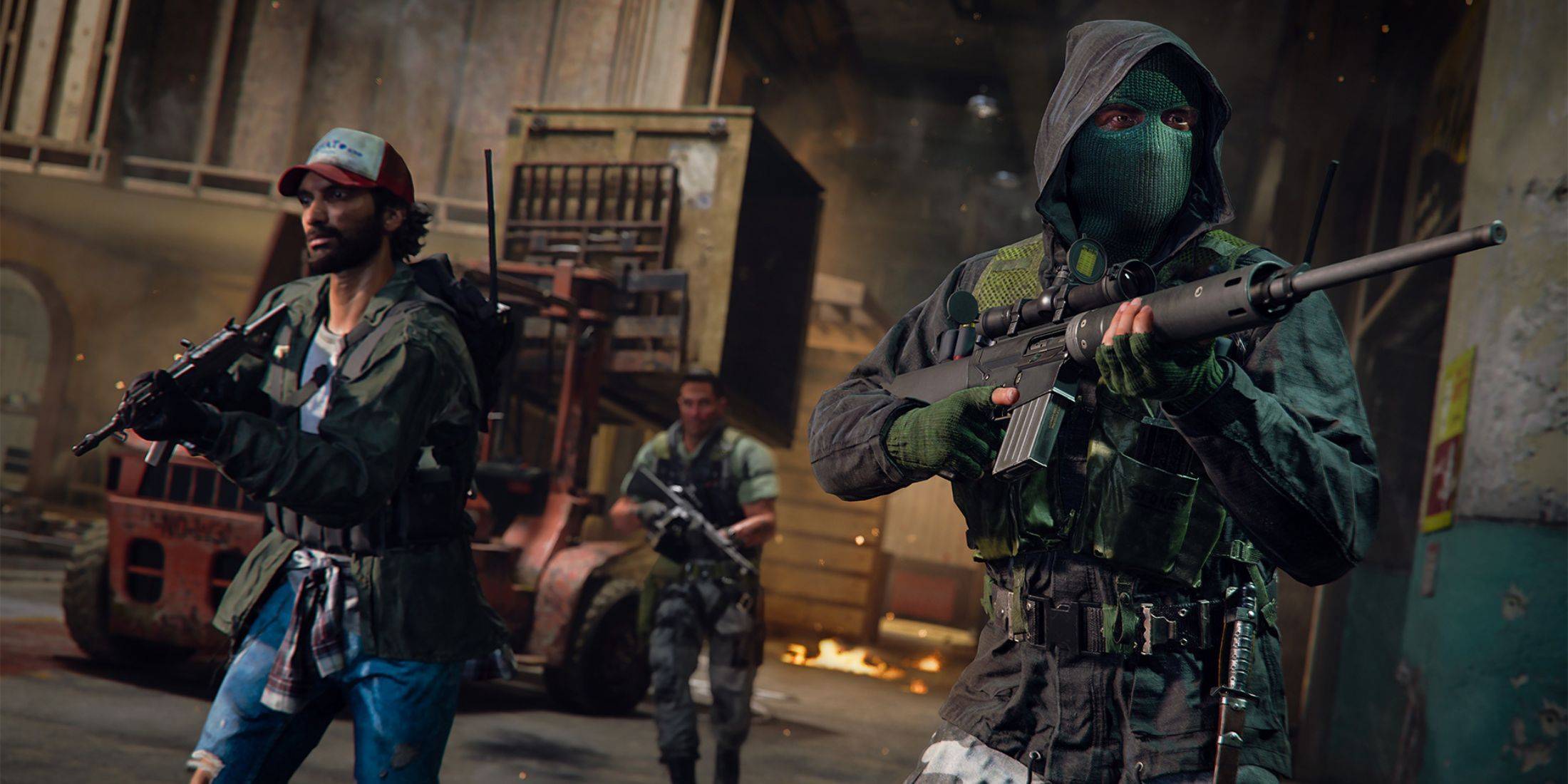 Several resources help determine if Warzone server problems exist:
-
Activision Support Online Services Status: Activision's support website provides real-time updates on the server status for all Call of Duty games, including Warzone. Check this site for details on outages, maintenance, or specific issues.
-
COD Updates Account: The official Call of Duty Twitter/X account (@CODUpdates) offers timely updates on server issues, maintenance schedules, and other relevant information.
Current Warzone Server Status
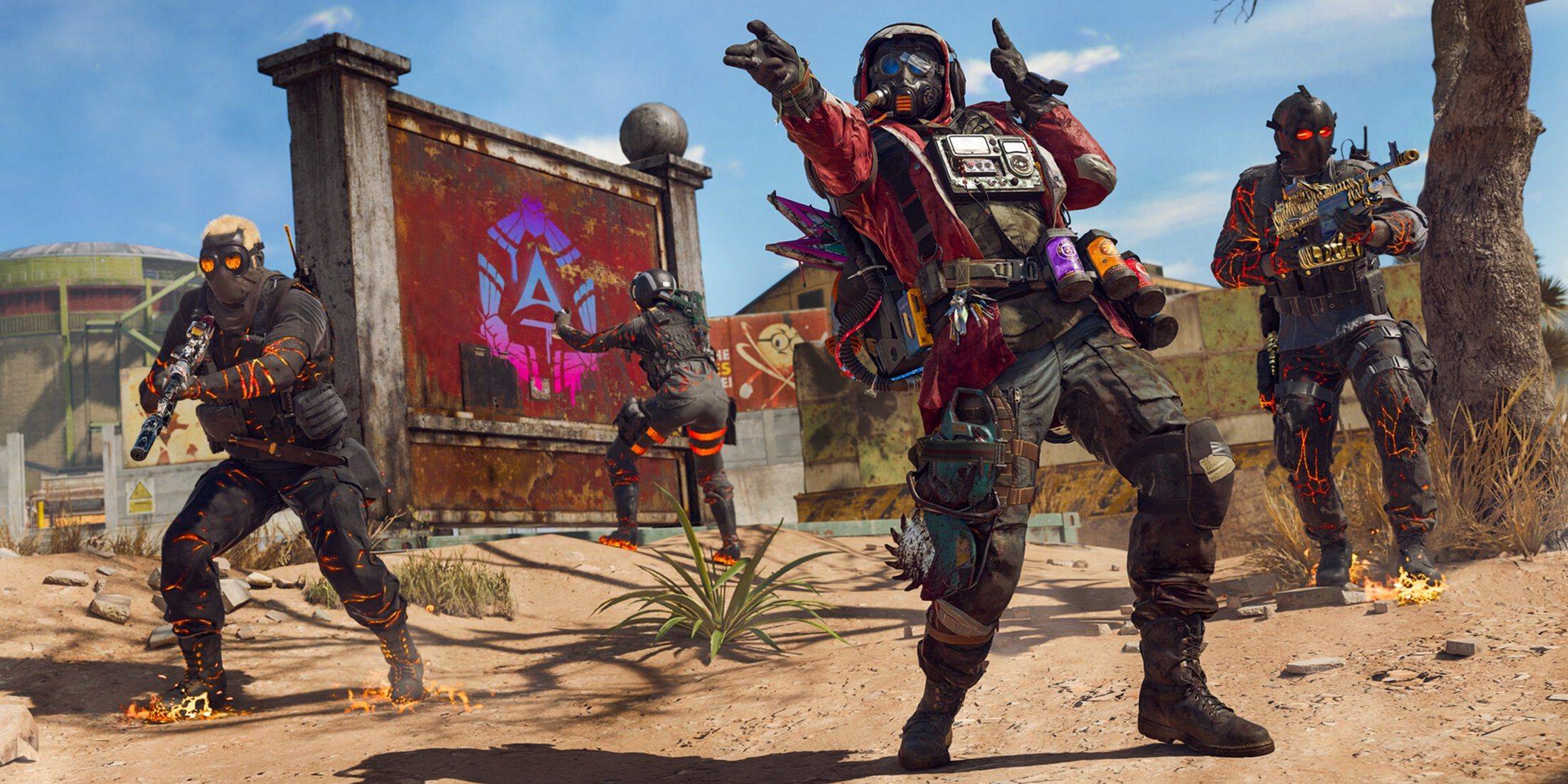 As of January 13, 2025, Call of Duty: Warzone servers were operational. A minor patch released on the same day initially caused matchmaking problems, preventing some players from accessing game modes or significantly increasing matchmaking wait times. However, Activision swiftly addressed this issue, restoring normal functionality.
Resolving Warzone Connectivity Issues
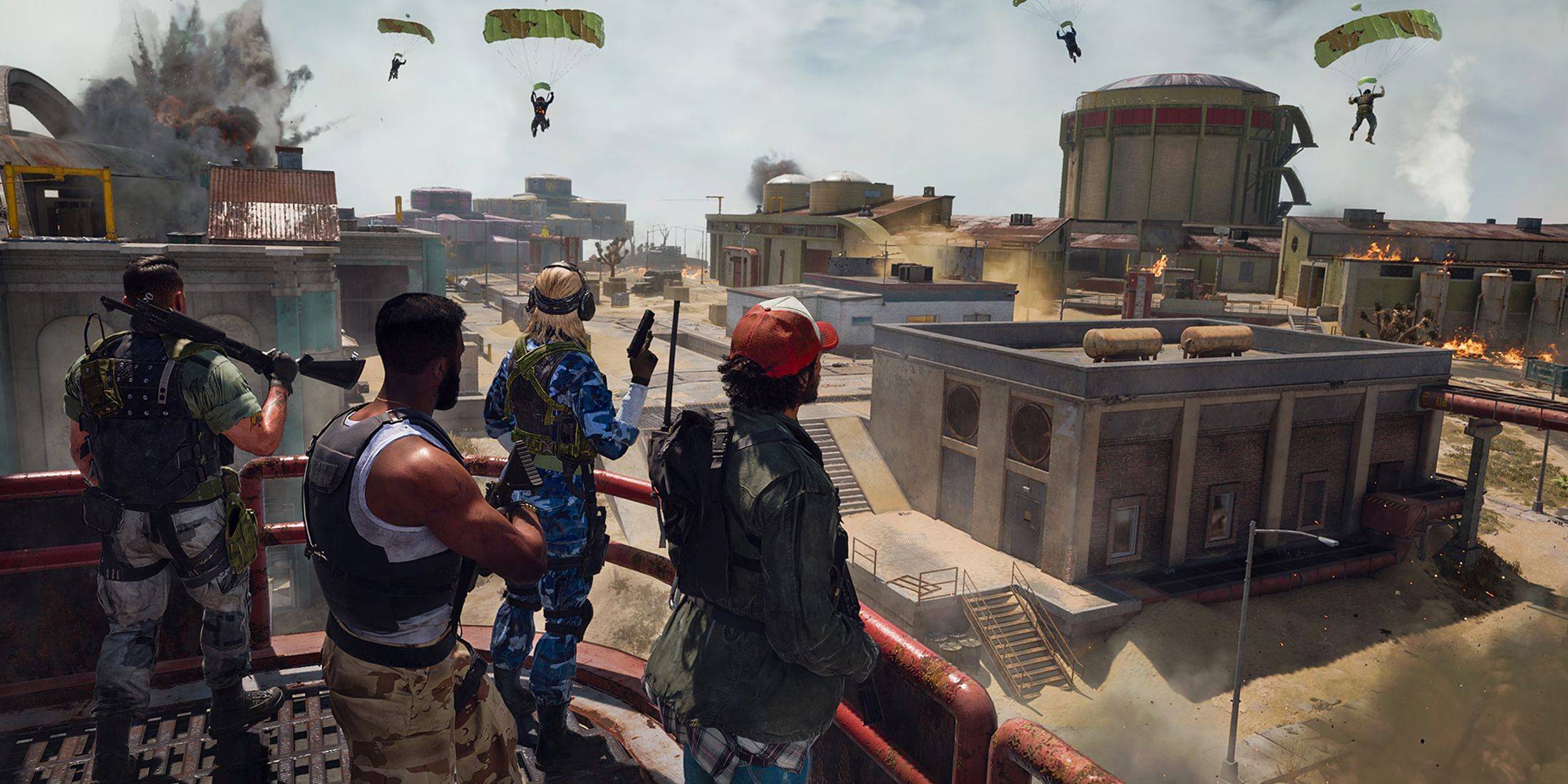 If you encounter connectivity problems while playing Warzone, try these troubleshooting steps:
-
Check for Updates: Ensure your game is updated to the latest version. Outdated game versions often cause connection problems.
-
Restart Warzone: Restarting the game can resolve minor glitches, especially after updates or playlist changes.
-
Check Your Router Connection: Verify your router or modem is functioning correctly. A hard reset might resolve issues caused by loose cables or minor disruptions.
-
Test Your Network Connection: Test your internet connection (Wi-Fi or Ethernet) to identify any potential problems on your end.
-
Swap Connection Methods: If using Wi-Fi, try a wired Ethernet connection (generally more stable). Conversely, if using Ethernet, try switching to Wi-Fi.
By following these steps, you can effectively identify and resolve many common Call of Duty: Warzone connectivity issues. Remember to check the official sources for updates on server status.
-
 East Side Games Group is merging two wildly different universes in an exhilarating crossover. Trailer Park Boys: Greasy Money is joining forces with All Elite Wrestling: Rise to The Top. This special event begins on March 27th at 2:00 PM PT, deliveriAuthor : Sarah Mar 17,2026
 -
 After years of speculation about The Sims 5, EA is charting a bold new course for the franchise. Instead of traditional numbered sequels, the company plans to expand "The Sims Universe" with ongoing updates across multiple titles.EA Plans on ExpandinAuthor : Samuel Mar 16,2026
-
 Airport Clash 3D - Minigun ShoDownload
 -
 A RecreativaDownload
 -
 com.crikey.dreamcarnival ModDownload
 -
 تحدي ام حقيقةDownload
 -
 Madden NFL 25 CompanionDownload
 -
 Survivor Z: Zombie SurvivalDownload
 -
 Dinosaur Hunting: Trex HunterDownload
 -
 Z書庫Download
 -
 Word Game. Crossword Search PuDownload
 -
 Buckshot Roulette: PvP DuelDownload











- Classic WoW vs. Turtle WoW: 6 Key Differences
- Ultimate Guide to Shinigami Progression in Hollow Era
- Roblox Simulator Codes: Unlock Exclusive Rewards!
- Mastering Two-Handed Weapons in Elden Ring: A Guide
- Wuthering Waves: Uncover the Secrets of Whisperwind Haven's Palette
- Top 25 Palworld Mods to Enhance Your Game