Descargar
Here's a clear and professional summary of the Werewolf Z Online Log Viewer App (v1.4.0) based on your provided information, suitable for documentation, user guides, or app store descriptions:
🎮 Werewolf Z Online Game Log Viewer – Version 1.4.0
Your Gateway to Past Villages and Game Memories
🏠 Home Screen Overview
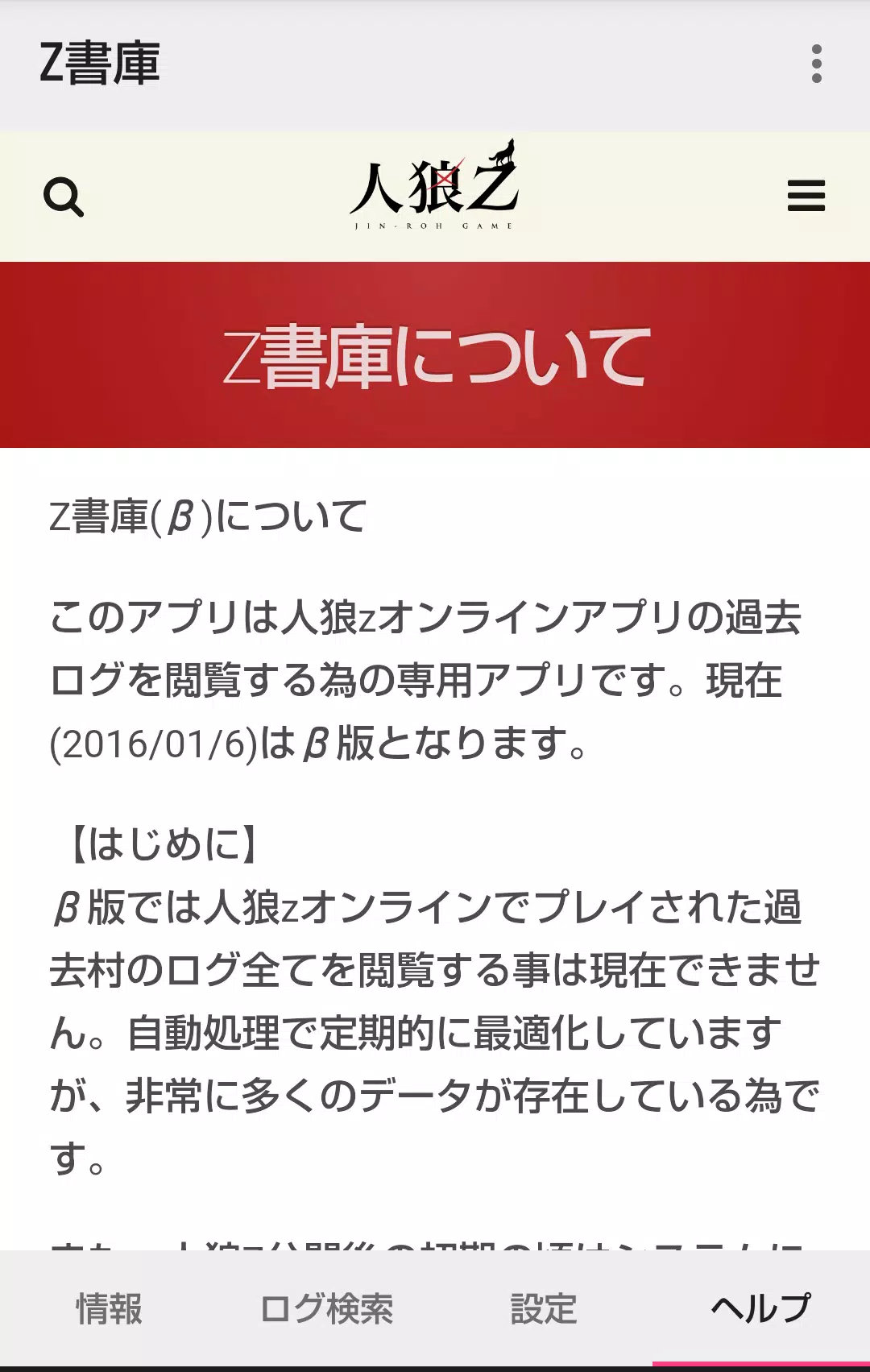
The Werewolf Z Online Log Viewer is a companion app designed to help players revisit and explore historical game logs from the original Werewolf Z Online app.
🔹 Information Tab
- Displays real-time status of villages currently being processed.
- Future updates will include enhanced data visualization and additional village metrics.
🔹 Log Search Tab
Access past villages through three intuitive search methods:
-
Search by Village Name (Partial Match)
- Enter any part of a village name (e.g., "Shadow," "Red").
- Supports single-keyword searches only — does not support multi-term queries.
-
View Villages You’ve Participated In
- Lists villages where you’ve taken part in gameplay.
- Feature unlocked via integration with the Z Archive app (launch from within Werewolf Z Online).
-
View Villages You’ve Created
- Shows all villages you’ve hosted.
- Requires activation through the Z Archive app (via menu in Werewolf Z Online).
💡 Tip: To unlock features ② and ③, ensure you’ve launched the Z Archive app from within the main Werewolf Z Online application.
🔹 Settings Tab
- Clear Cached Log Data
- Helps free up storage and refresh log loading.
- Useful after large game sessions or if logs appear outdated.
📚 Past Village Detail Screen
- Access to detailed logs requires a browsing code for security and privacy.
- Exception: Browsing codes are not required if:
- You accessed the village via search ② (your participation) or ③ (your creation), or
- You used a direct name search (①) for a village you previously joined.
✅ The system automatically verifies your role in the village to grant access.
📝 Detailed Log Screen
-
Chronological Display
- Logs appear from the GM’s opening message to the oldest entries, preserving narrative flow.
-
Default View (Privacy-First)
- Werewolf team chat and graveyard chat are hidden by default.
- Prevents spoilers and reduces visual clutter.
-
Toggle Visibility
- Enable/disable werewolf and graveyard chats via Settings.
- ⚠️ Performance Note: In villages with extremely high log volume (>1000+ messages), toggling may cause noticeable lag.
🔄 What’s New in Version 1.4.0 (Released: March 7, 2023)
✅ Minor bug fixes for improved stability and sync.
✅ New Feature: Display of Sharer Comments
- Now see player annotations and commentary shared by log contributors.
- Enhances context and community storytelling.
📌 Tips for Best Experience
- Always use the Z Archive app to unlock personal village access (your games, your creations).
- Clear cache regularly if you notice loading delays.
- Avoid toggling chat visibility in high-volume villages for smoother performance.
📞 Support
For issues, feedback, or feature requests, contact the development team via the official Werewolf Z Online support channels.
Stay connected to your past. Re-live the drama, deception, and midnight reveals — one log at a time.
🪄 Werewolf Z Online Log Viewer — Where Every Game Lives On.
Let me know if you'd like this adapted into a PDF guide, mobile app description, or translated into another language!