Télécharger
Here's a clear, structured summary of the Werewolf Z Online Game Logs Viewer App (Version 1.4.0) based on your provided description — ideal for user documentation, changelog presentation, or in-app help:
📖 Werewolf Z Online Game Logs Viewer – User Guide (v1.4.0)
Last Updated: March 7, 2023
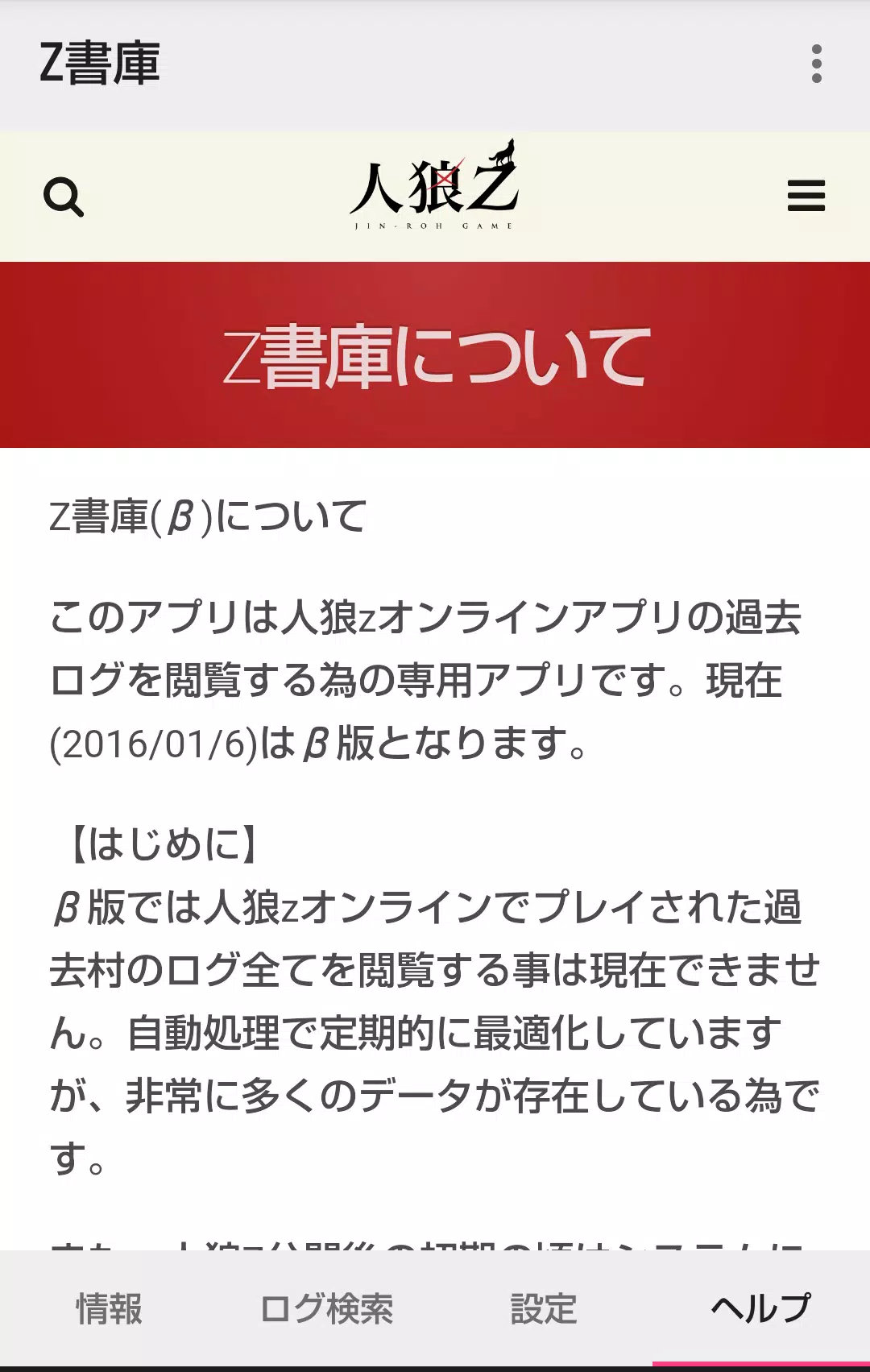
Welcome to the official companion app for viewing historical game logs from Werewolf Z Online. This app allows you to revisit past village games, explore full chat logs, and track your participation across seasons.
🏠 Home Screen
🔹 1. Information Tab
- Displays real-time status of villages currently being processed.
- Note: Additional details (e.g., village progress, player counts) are planned for future updates.
🔹 2. Log Search Tab
Access past villages through three search methods:
① Search by Village Name (Partial Match)
- Enter any part of the village name (e.g., "Midnight", "Red Fox").
- Supports partial text matching, but does not support multiple keywords.
- Example: Typing “Winter” will show villages like “Winter Solstice” or “Winter Wolf”.
② Search Your Past Participated Villages
- Lists villages you’ve joined before.
- 🔓 Feature unlocked only when launched from the Werewolf Z Online app’s menu (via Z Archive integration).
③ Search Your Created Villages
- Shows all villages you’ve hosted.
- 🔓 Requires launching from the Z Archive app inside Werewolf Z Online.
✅ Pro Tip: If you’ve used the Z Archive app to unlock features, you can access your logs without a browsing code.
🔹 3. Settings Tab
- Clear Cached Log Data: Remove stored logs to free up space or refresh content.
- Chat Visibility Toggle:
- By default, Werewolf Team Chat and Graveyard Chat are hidden.
- You can enable them via Settings:
- Toggle:
Show Werewolf Chat - Toggle:
Show Graveyard Chat
- Toggle:
- ⚠️ Performance Note: In villages with extremely high log volumes, enabling these chats may cause lag or slow loading.
📂 Past Village Detail Screen
- Access requires a browsing code unless you qualify for auto-access.
- Auto-access granted if you:
- Created the village.
- Previously participated in the village.
- Found it via the Z Archive-integrated search (Methods ② or ③).
🔐 No browsing code needed in these cases — just tap to view.
📝 Detailed Log Screen
- Logs are displayed chronologically, starting from the GM’s game start message (oldest first).
- Default view:
- Werewolf team chat → Hidden
- Graveyard chat → Hidden
- Use the Settings menu to show/hide these chat streams.
⚠️ Performance Alert: In villages with 1000+ log entries, toggling chats may result in noticeable delays. Consider disabling if performance drops.
✨ What’s New in Version 1.4.0 (March 7, 2023)
✅ Minor bug fixes – Improved stability and loading performance.
✅ New Feature: Added display of Sharer Comments
- These are player-submitted notes or reflections (e.g., "My first night as a werewolf!").
- Now visible in the log stream under the corresponding message.
❓ Need Help?
- Make sure you’ve launched the app from within Werewolf Z Online to unlock your personal village access.
- For support or feedback, contact the Z Archive development team via the in-app feedback channel.
🌍 Stay updated. Re-live every moment.
The past is yours to remember — one log at a time.
Let me know if you'd like this exported as a PDF, web page, or integrated into an app help section!