Herunterladen
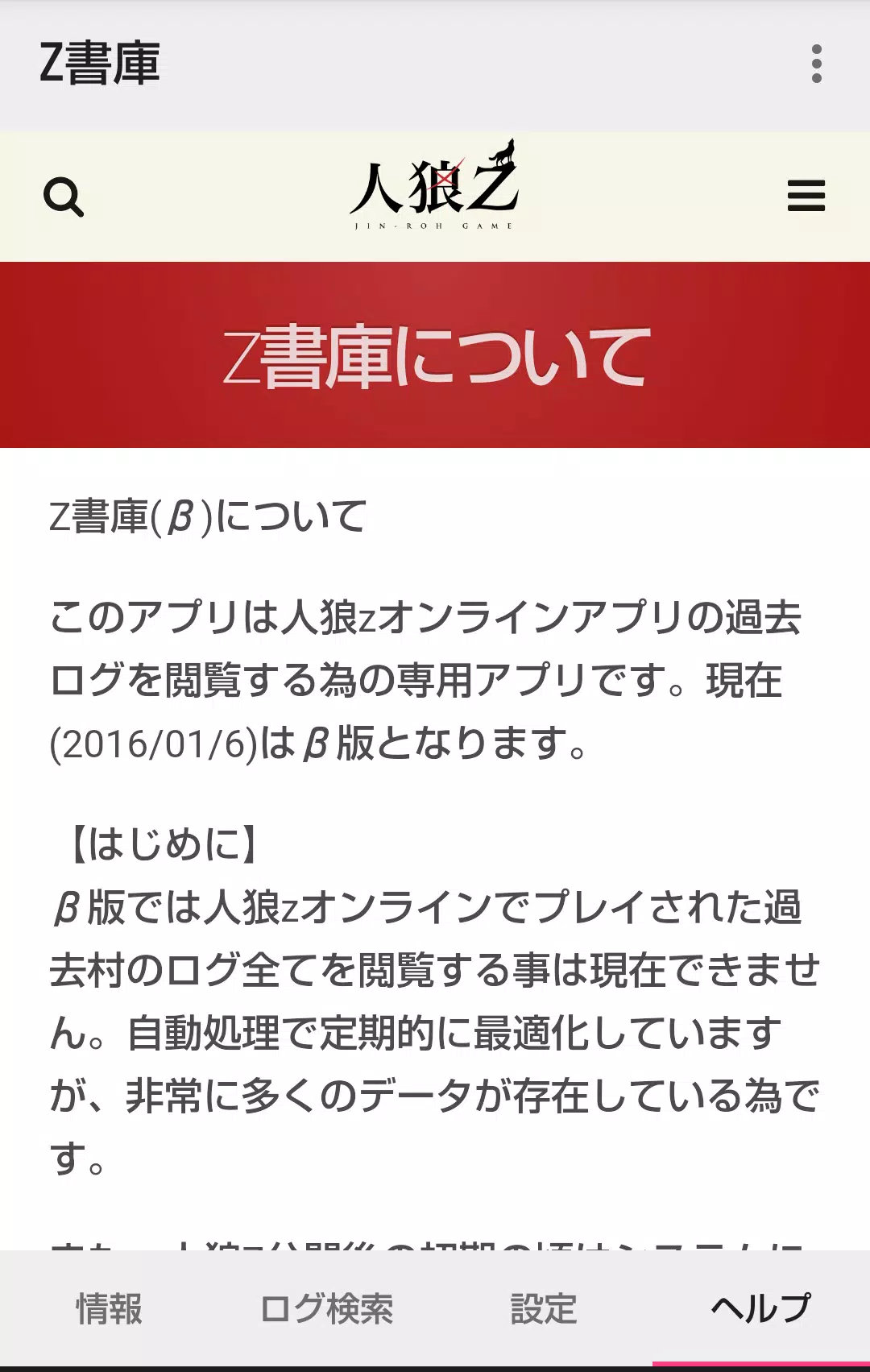
Here's a clear, structured summary of the Werewolf Z Online Log Viewer App (Version 1.4.0), optimized for users or documentation:
🌐 Werewolf Z Online Game Log Viewer – User Guide (v1.4.0)
Last Updated: March 7, 2023
This companion app allows you to view and browse historical game logs from the Werewolf Z Online mobile game. Designed for players who want to revisit past village sessions, analyze gameplay, or review memorable moments.
🔹 Home Screen Overview
1. Information Tab
- Displays real-time status of villages currently being processed (e.g., log import progress, processing stage).
- Note: Additional analytics and metadata (e.g., village duration, roles distribution) are planned for future updates.
2. Log Search Tab
Three search methods to find past villages:
| Method | Description | Access Requirements |
|---|---|---|
| ✅ ① Search by Village Name | Find villages using partial text matches (e.g., typing "Sakura" finds "Sakura Village"). | Fully available at launch. Does not support multiple keywords or advanced filters. |
| ✅ ② Search My Participated Villages | View villages you've joined as a player. | Requires launching the Z Archive app via the Werewolf Z Online app menu (in-game). |
| ✅ ③ Search My Created Villages | View villages you've hosted. | Requires launching the Z Archive app via the Werewolf Z Online app menu. |
🔐 Note: Methods ② and ③ unlock access to your personal game history. The Z Archive app must be used once to sync your data.
3. Settings Tab
- Clear Cached Log Data: Delete stored log files to free up space or refresh the cache.
- Toggle Chat Visibility: Control whether werewolf team chat and graveyard chat appear in logs (see below).
- No account login required — all data is stored locally.
🔹 Past Village Detail Screen
- Accessible only with a browsing code (shared by GM or organizer).
- Exception: You can skip the browsing code if:
- You accessed the village via Method ② or ③ (your own or played villages),
- Or you found the village via name search (Method ①).
🛠️ Tip: Browsing codes are not required for log access if you're viewing your own participation history.
🔹 Detailed Log Screen
- Chronological Display: Logs show messages from GM’s game start announcement to the oldest entries (oldest at the top).
- Default Hiding:
- Werewolf team chat (e.g., "Night 1: I saw the player go to the woods...")
- Graveyard chat (e.g., "I was killed by the werewolf!")
- ✅ Toggle Feature: Enable/disable these chats via Settings → "Show Hidden Chats".
- ⚠️ Performance Note: In villages with very high log volume (e.g., 1000+ messages), toggling chats may cause lag or slowdowns.
✨ What’s New in v1.4.0 (March 7, 2023)
- ✅ Minor bug fixes – Improved stability and load times.
- ✅ New Feature: Display of sharer comments
- View comments added by log sharers (e.g., GMs or players who uploaded logs).
- Helpful for context, highlights, or personal notes from game hosts.
📝 Example: A GM may add: "Important moment: The hunter was the first to die — this changed the game’s momentum."
📌 Tips for Best Experience
- Use the Z Archive app from Werewolf Z Online to unlock personal log access.
- Avoid enabling hidden chats in extremely long logs to maintain performance.
- Keep app updated to view sharer comments and benefit from stability improvements.
❓ Need Help?
- Contact support via the Werewolf Z Online app or visit the official community forums.
- Ensure you have the latest version of both the main app and Z Archive app.
📘 Enjoy reliving the drama, deception, and strategy of past villages — one log at a time.
Werewolf Z Log Viewer – Where every night’s tale lives on.
Let me know if you’d like a PDF version, iOS/Android app store description, or translated version (e.g., Japanese or Korean).