
How to Fix Your Aim in Marvel Rivals
Marvel Rivals: Mastering Your Aim – Disabling Mouse Acceleration and Aim Smoothing
Season 0 of Marvel Rivals has been a whirlwind! Players are mastering maps, heroes, and abilities, discovering their preferred playstyles and main characters. However, as the competitive ladder beckons, some players are experiencing aim issues. If your aim feels off, you're not alone. Many players have found a simple solution: disabling mouse acceleration and aim smoothing. This guide explains why your aim might be inaccurate and how to fix it.
Why is my aim inaccurate?
In Marvel Rivals, mouse acceleration/aim smoothing is enabled by default. While beneficial for controller users, many keyboard and mouse players prefer to disable it for improved precision, especially for flick shots. The game currently lacks an in-game setting to toggle this.
The Fix: Manually Disabling Aim Smoothing
This fix involves modifying a game file – it's not cheating or modding; it's simply adjusting a setting that many games allow in their options menus. Every time you adjust in-game settings (crosshair, sensitivity, etc.), this file updates.
Step-by-step instructions:
- Open the Run dialog (Windows key + R).
- Paste this path, replacing "YOURUSERNAMEHERE" with your Windows username:
C:\Users\YOURUSERNAMEHERE\AppData\Local\Marvel\Saved\Config\Windows(If unsure of your username, navigate to This PC > Windows > Users). - Press Enter. Locate the
GameUserSettingsfile and open it with Notepad. - At the file's end, add these lines:
[/script/engine.inputsettings]
bEnableMouseSmoothing=False
bViewAccelerationEnabled=False
bDisableMouseAcceleration=False
RawMouseInputEnabled=1- Save and close the file. You've successfully disabled mouse smoothing and acceleration, prioritizing raw mouse input.
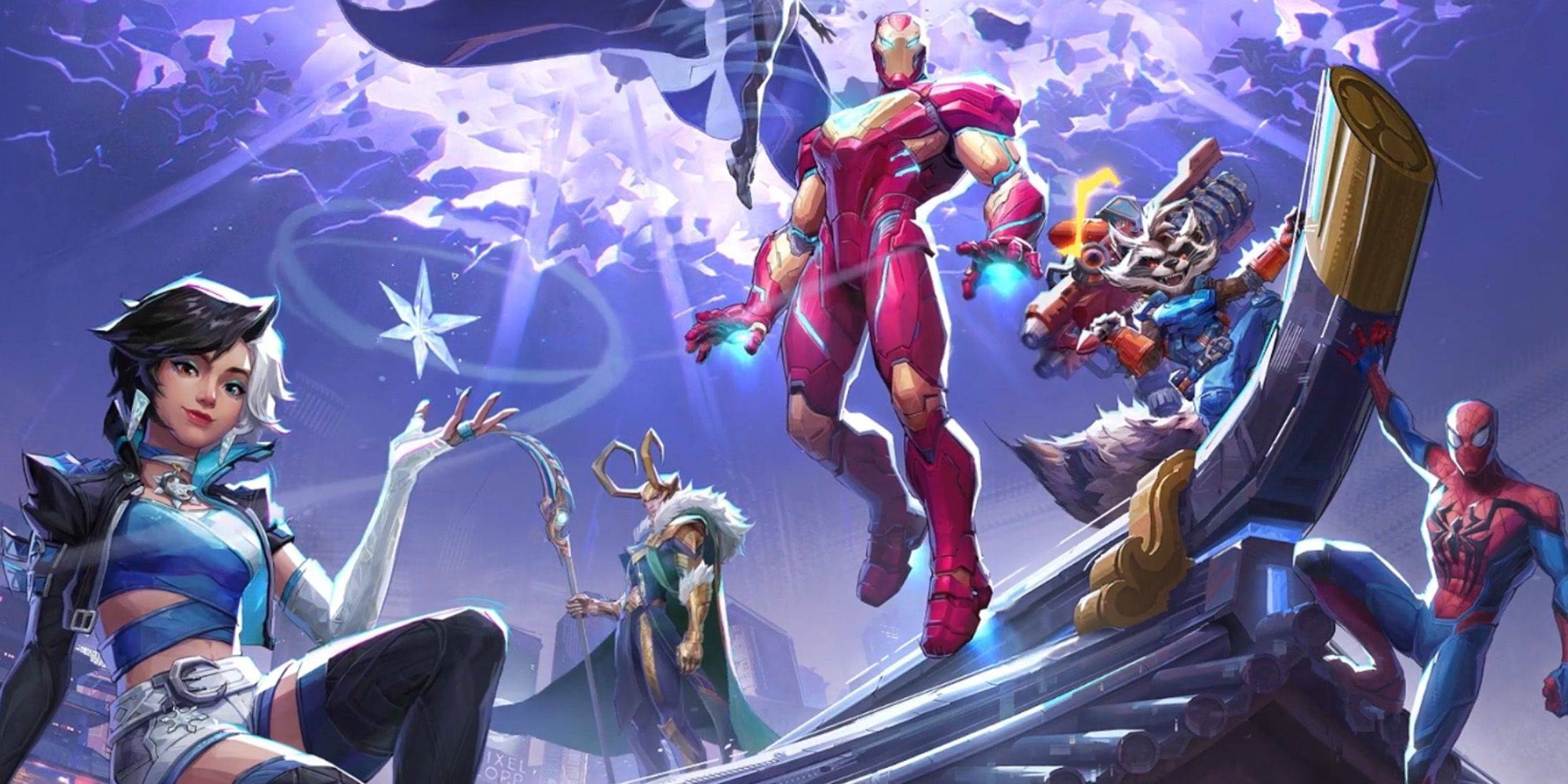
Enjoy improved aim precision in your Marvel Rivals matches!
-
 East Side Games Group is merging two wildly different universes in an exhilarating crossover. Trailer Park Boys: Greasy Money is joining forces with All Elite Wrestling: Rise to The Top. This special event begins on March 27th at 2:00 PM PT, deliveriAuthor : Sarah Mar 17,2026
 -
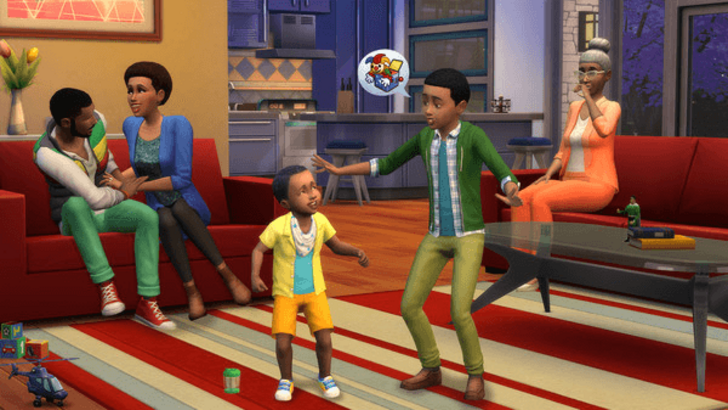 After years of speculation about The Sims 5, EA is charting a bold new course for the franchise. Instead of traditional numbered sequels, the company plans to expand "The Sims Universe" with ongoing updates across multiple titles.EA Plans on ExpandinAuthor : Samuel Mar 16,2026
-
 Airport Clash 3D - Minigun ShoDownload
 -
 A RecreativaDownload
 -
 com.crikey.dreamcarnival ModDownload
 -
 تحدي ام حقيقةDownload
 -
 Madden NFL 25 CompanionDownload
 -
 Survivor Z: Zombie SurvivalDownload
 -
 Dinosaur Hunting: Trex HunterDownload
 -
 Z書庫Download
 -
 Word Game. Crossword Search PuDownload
 -
 Buckshot Roulette: PvP DuelDownload











- Classic WoW vs. Turtle WoW: 6 Key Differences
- Ultimate Guide to Shinigami Progression in Hollow Era
- Roblox Simulator Codes: Unlock Exclusive Rewards!
- Mastering Two-Handed Weapons in Elden Ring: A Guide
- Wuthering Waves: Uncover the Secrets of Whisperwind Haven's Palette
- Top 25 Palworld Mods to Enhance Your Game