
Steam Deck: How To Run Sega CD Games
This guide details how to play Sega CD games on your Steam Deck using EmuDeck. We'll cover everything from initial setup to troubleshooting post-update issues.
Pre-Installation: Developer Mode & Essential Items
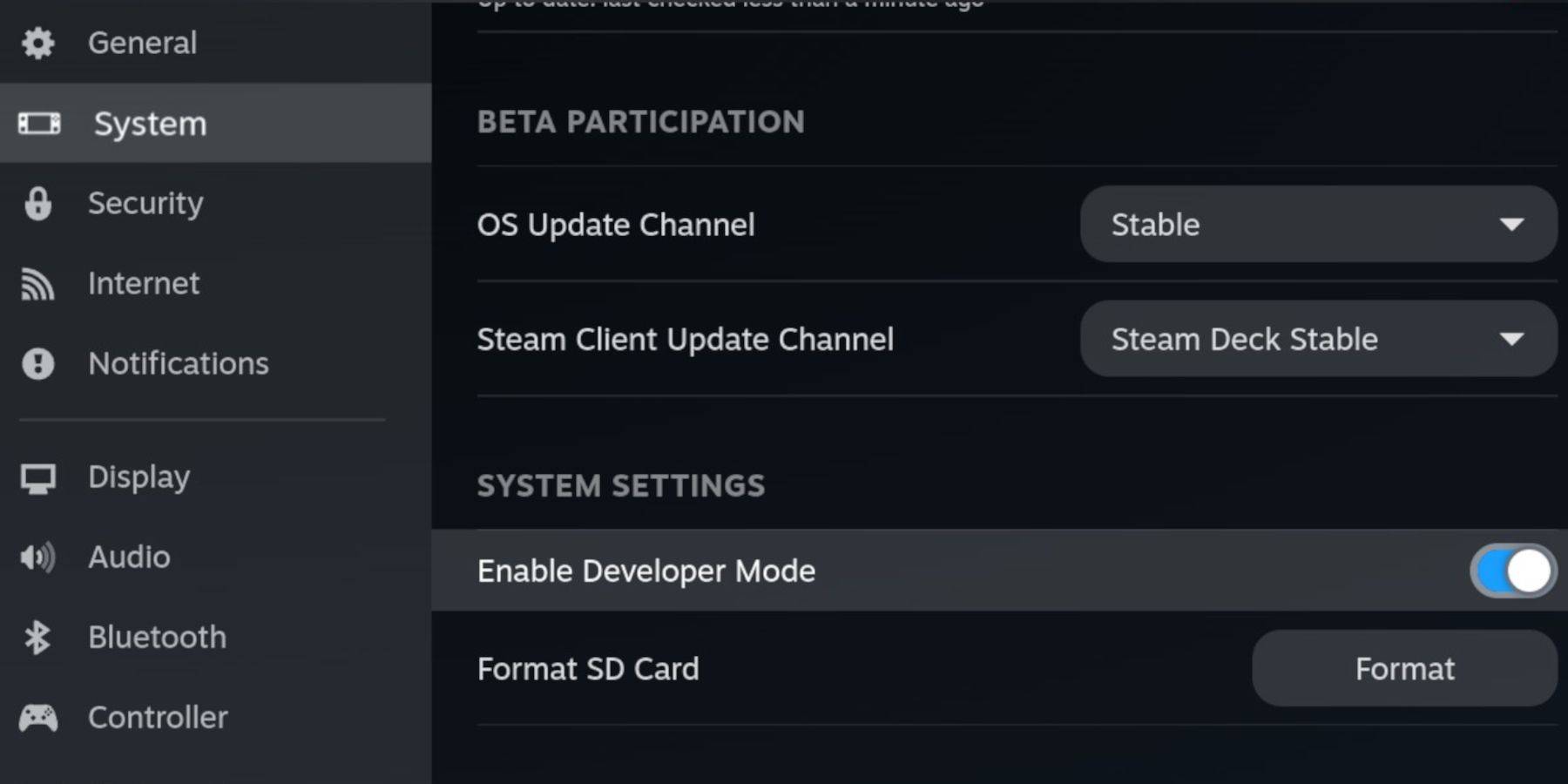 Before starting, enable Developer Mode and CEF Remote Debugging on your Steam Deck for compatibility with EmuDeck updates.
- Power on your Steam Deck.
- Access the Steam Menu (Steam button).
- Navigate to System > Developer Mode and enable it.
- Go to the Developer menu and enable CEF Remote Debugging.
- Access the Power menu (Steam button) and switch to Desktop Mode.
Required:
- A high-speed A2 microSD card for EmuDeck and games. Format this card on your Steam Deck (Steam Menu > Storage > Format SD Card).
- Legally obtained Sega CD ROMs and BIOS files.
- (Optional but recommended) Keyboard and mouse for easier file management.
Downloading and Installing EmuDeck
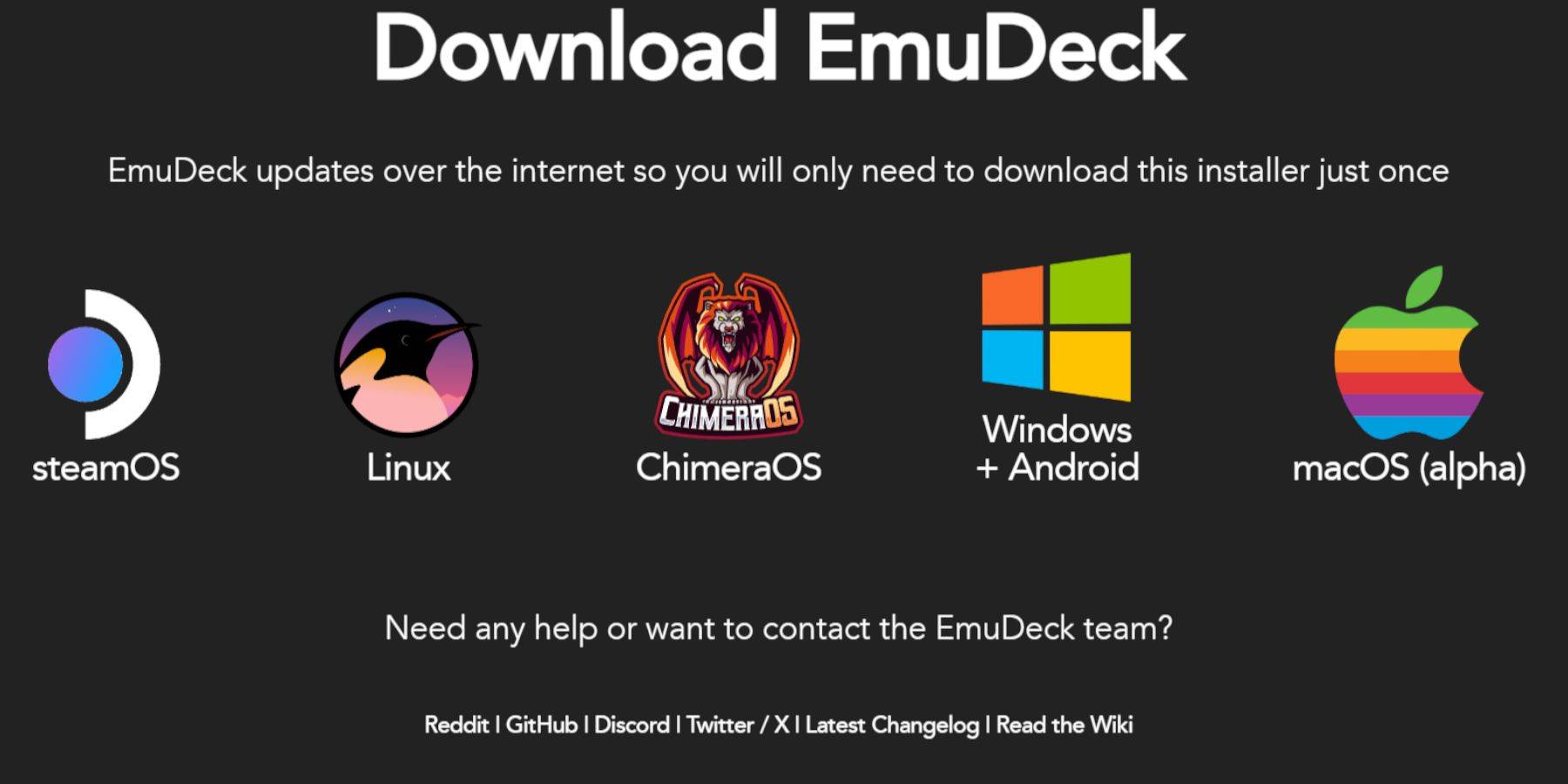
- Switch to Desktop Mode (Steam button > Power).
- Download a web browser from the Discovery Store.
- Download EmuDeck from its official website, selecting the SteamOS version.
- Run the installer, choosing the Custom installation option.
- Select your microSD card as the installation location.
- Choose RetroArch, MelonDS, Steam ROM Manager, and Emulation Station (or select all emulators for future use).
- Complete the installation process.
Transferring Sega CD Files
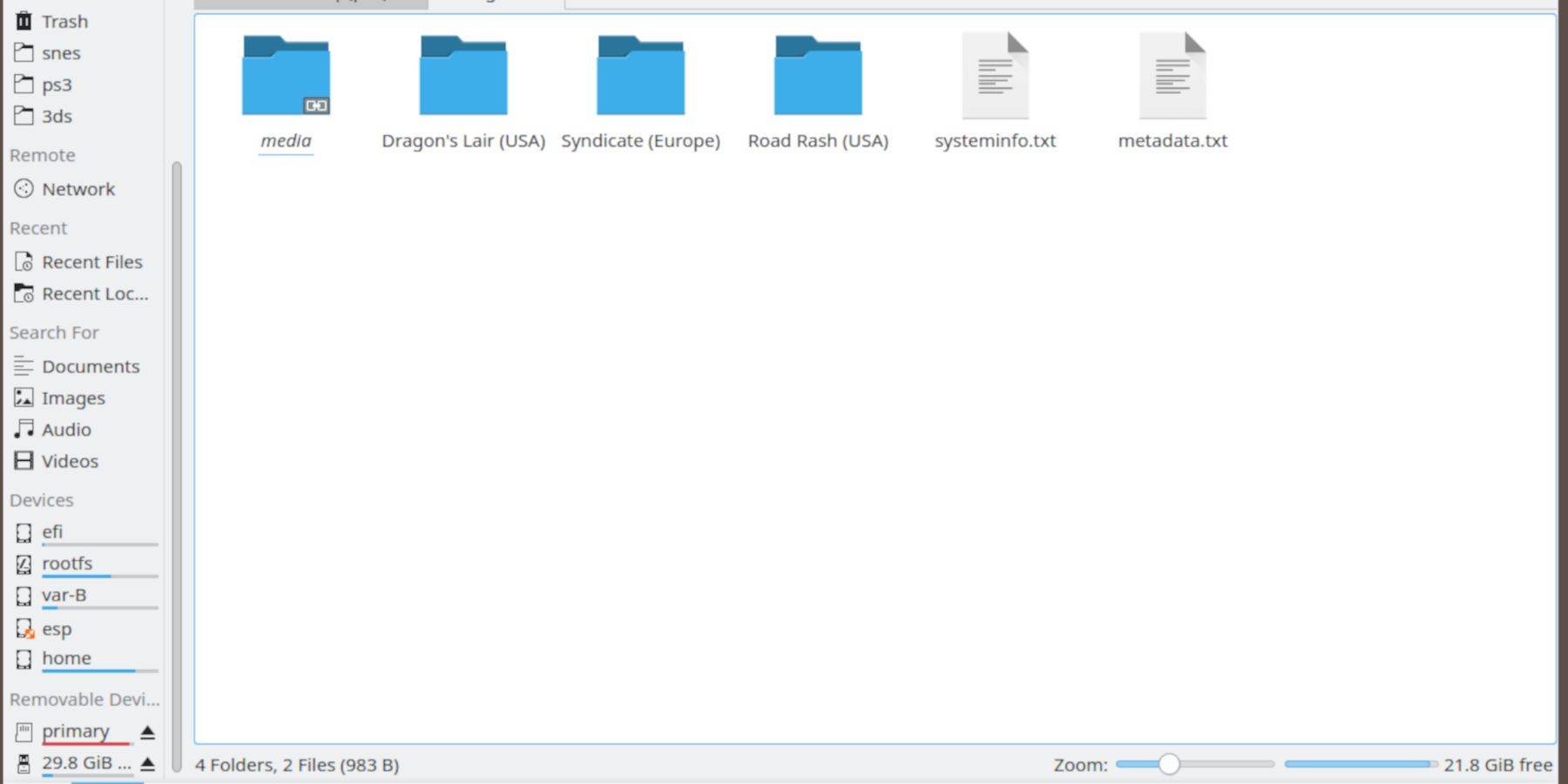
BIOS Files:
- Open the Dolphin File Browser in Desktop Mode.
- Navigate to your microSD card (usually labeled "Primary").
- Go to the
Emulationfolder, thenBIOS, and transfer your BIOS files.
ROMs:
- Navigate to
Primary>Emulation>ROMS>segaCD(ormegaCD). - Transfer your Sega CD ROMs to this folder.
Adding ROMs with Steam ROM Manager
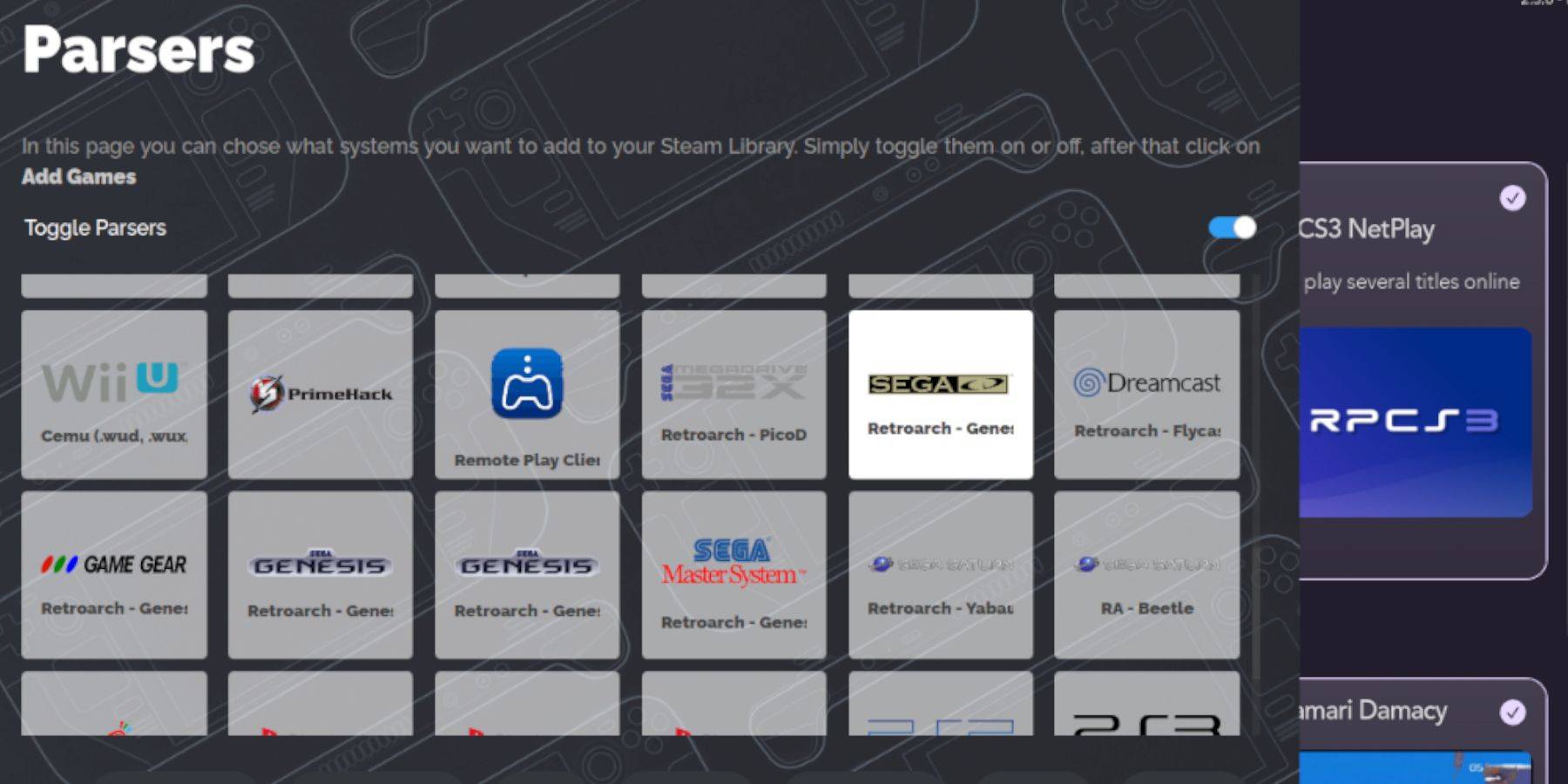
- Open EmuDeck and launch Steam ROM Manager.
- Click "Next," then click through the Nintendo DS windows.
- Select "Add Games" and then "Parse." SRM will prepare your games and artwork.
Fixing Missing Covers
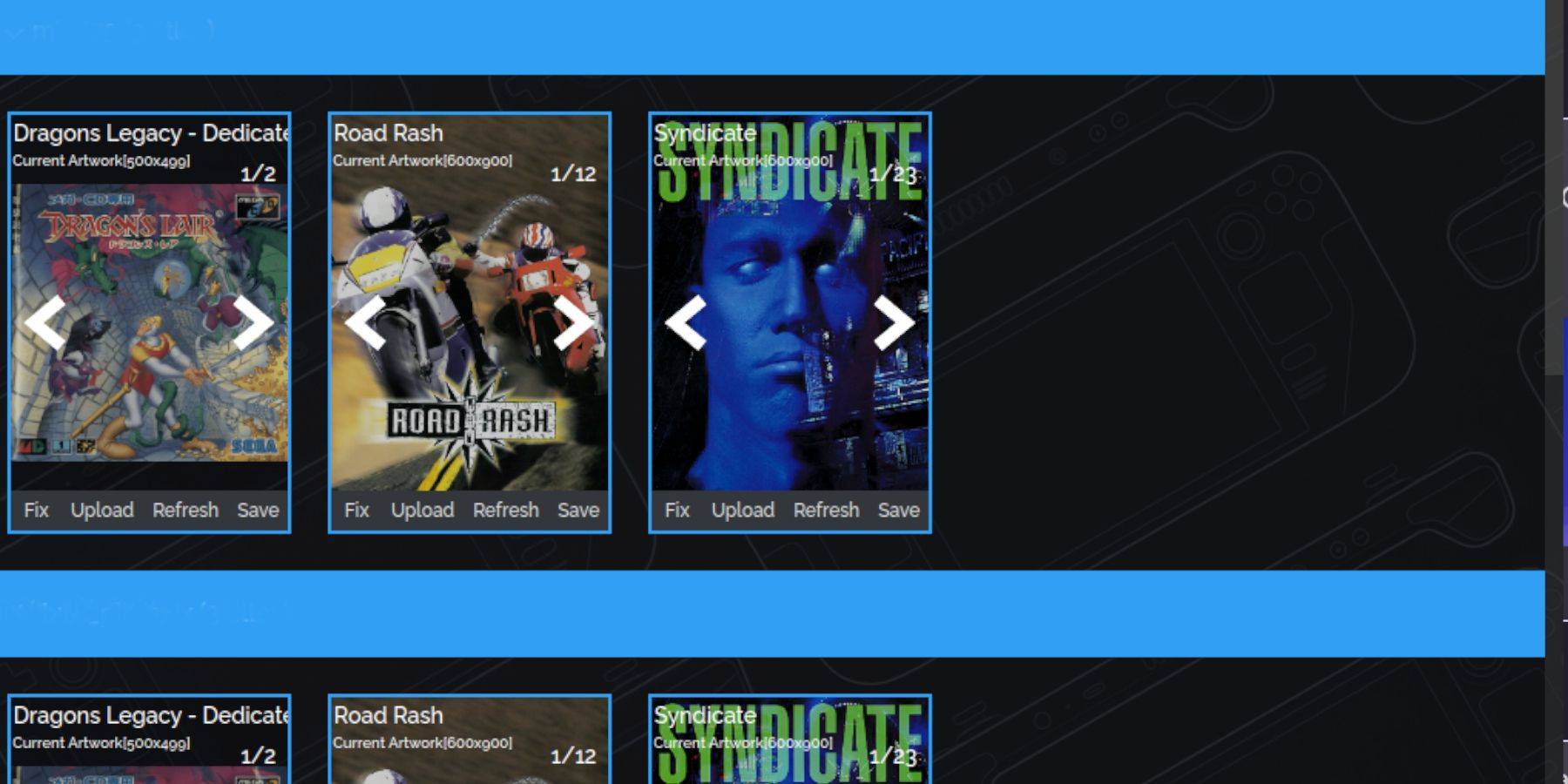
If covers are missing:
- Click "Fix."
- Search for the game title.
- Select a cover and click "Save and Close."
To manually add covers:
- Click "Upload."
- Select your downloaded cover image.
- Click "Save and Close."
Playing Your Sega CD Games
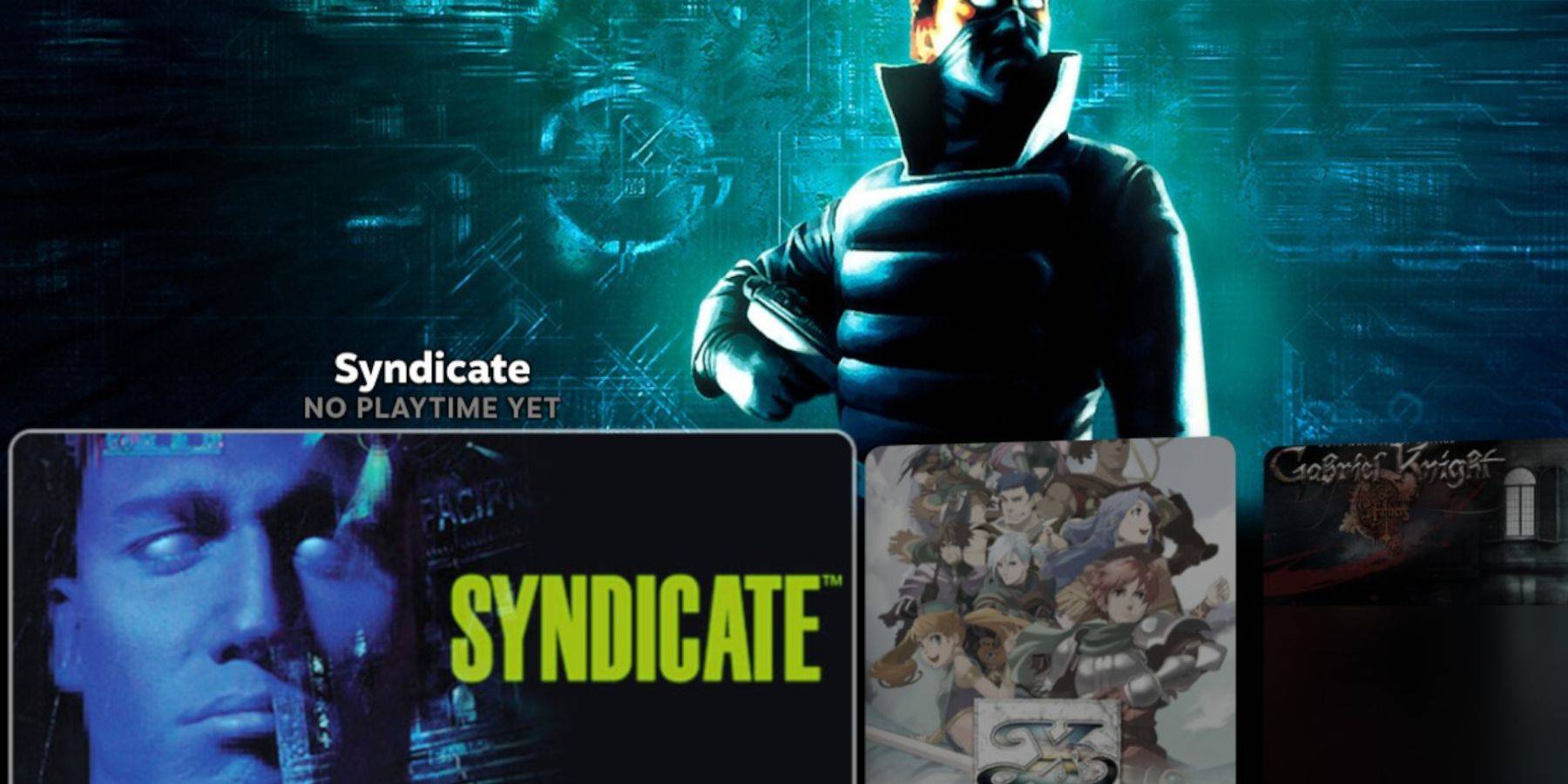
- Switch to Gaming Mode.
- Go to your Steam Library > Collections.
- Find your Sega CD folder and launch your games.
Using Emulation Station:
- Access your Steam Library > Non-Steam.
- Launch Emulation Station. This provides a better interface, especially for multi-disc games. Use the Scraper function within Emulation Station to download metadata and box art.
Installing Decky Loader and Power Tools
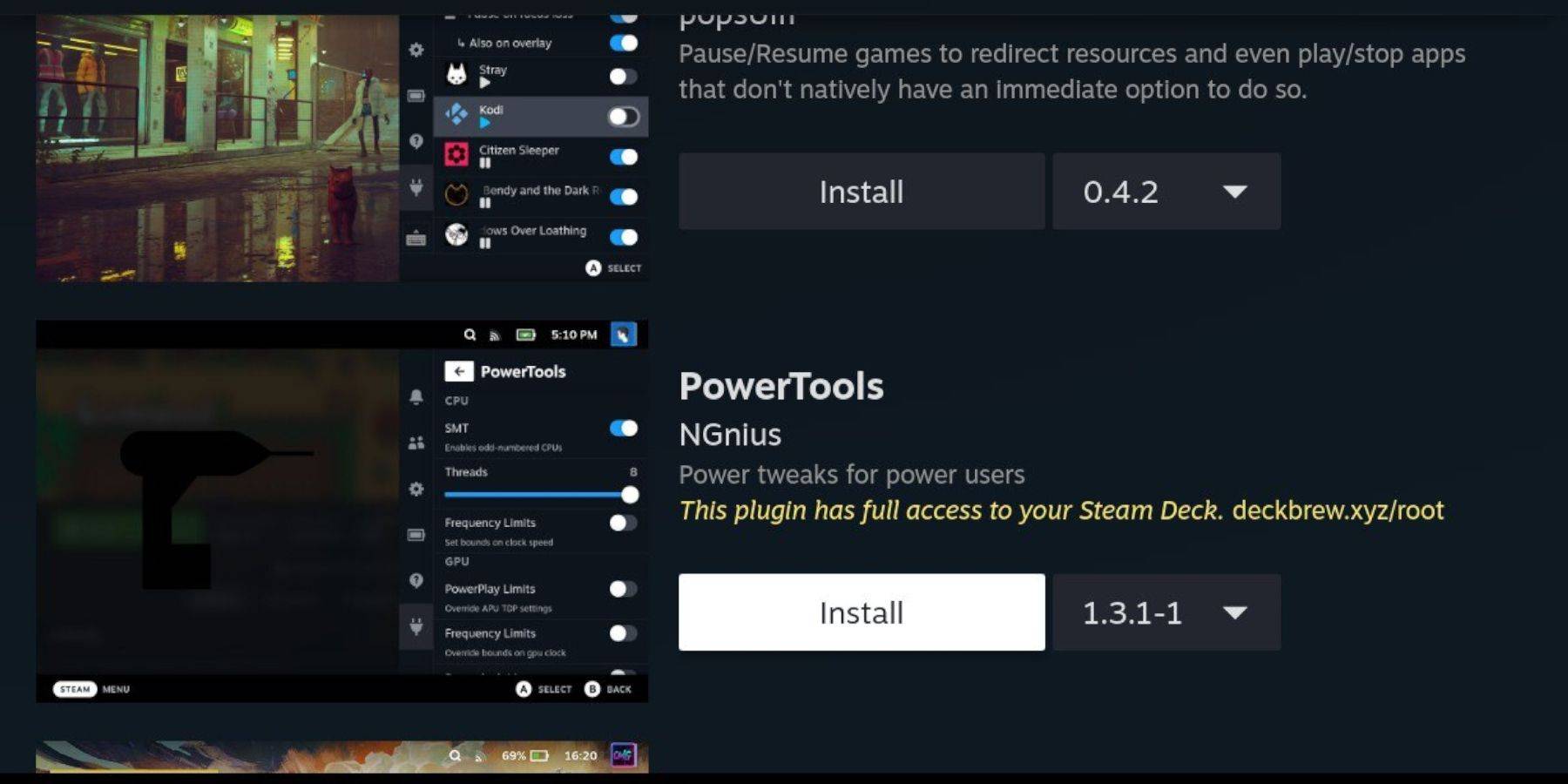
For enhanced performance, install Decky Loader (via its GitHub page) and then Power Tools from the Decky Loader store. Power Tools allows for optimization; consider disabling SMTs and adjusting threads within its settings.
Fixing Decky Loader After a Steam Deck Update
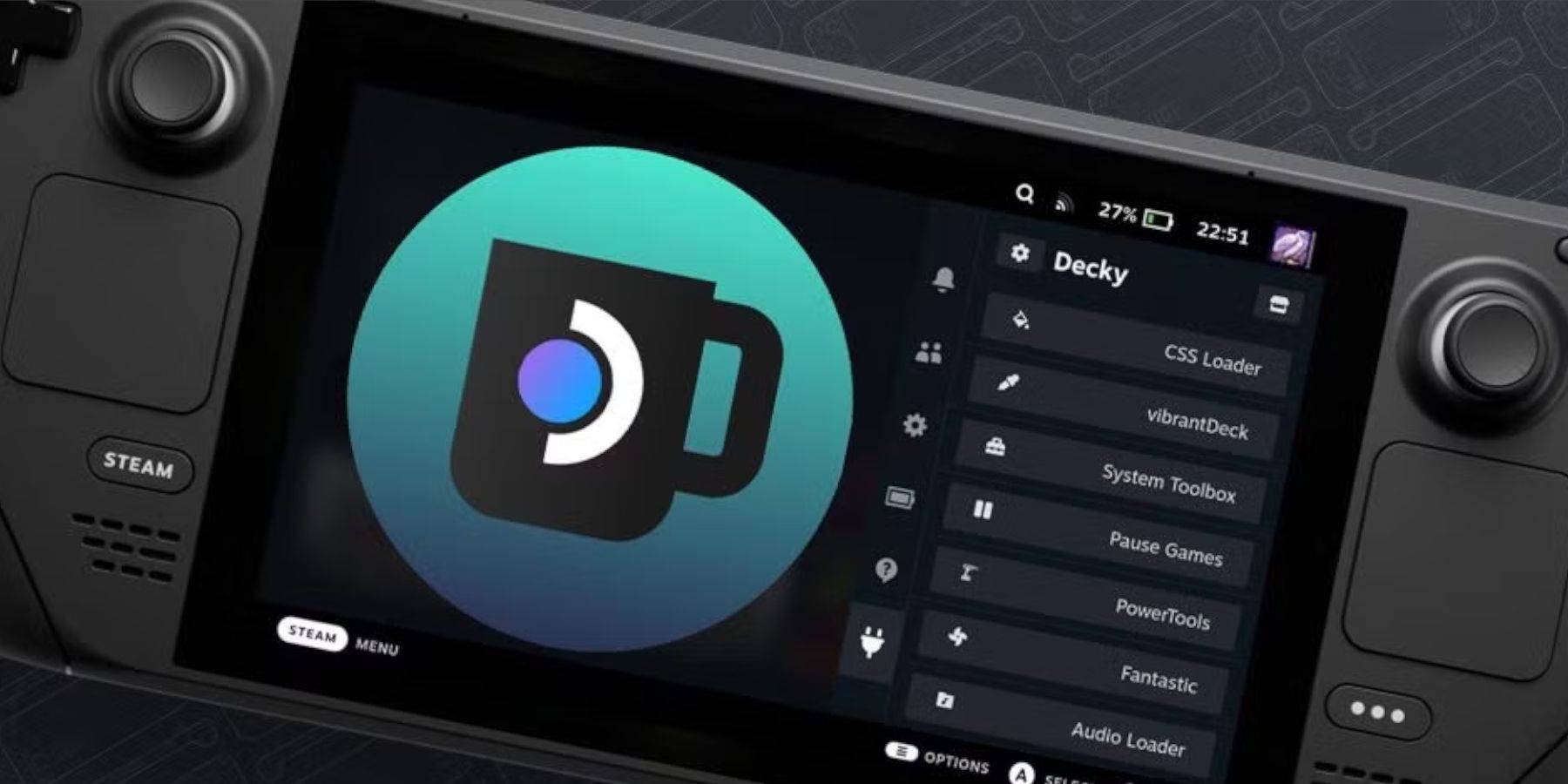
If Decky Loader is removed after an update:
- Switch to Desktop Mode.
- Redownload Decky Loader from its GitHub page.
- Run the downloaded file (select "Execute," not "Open").
- Enter your sudo password (create one if prompted).
- Restart your Steam Deck.
This comprehensive guide should enable you to successfully set up and enjoy your Sega CD games on your Steam Deck.
-
 Bleach: Brave Souls is marking a monumental decade with its 10th anniversary celebrations. KLab has launched a new television commercial in Japan to commemorate this milestone, alongside initiating a special 10th Anniversary TV Ad Repost Campaign. InAuthor : Nathan Mar 28,2026
 -
Lego Batman: Legacy of the Dark Knight Lego Batman: Legacy of the Dark Knight has been unveiled during Gamescom’s Opening Night Live, showcasing an expansive open-world Gotham City you can explore in the iconic Batmobile. The highly anticipated projeAuthor : Ava Mar 25,2026





















- Classic WoW vs. Turtle WoW: 6 Key Differences
- Ultimate Guide to Shinigami Progression in Hollow Era
- Mastering Two-Handed Weapons in Elden Ring: A Guide
- Roblox Simulator Codes: Unlock Exclusive Rewards!
- Wuthering Waves: Uncover the Secrets of Whisperwind Haven's Palette
- Top 25 Palworld Mods to Enhance Your Game